














Tag Directory
Hi
 Morgan
In the current Tag Directory (the directory itself, outside of document tagging), you can drill down to the tag you want, click on it to view the documents it is referenced in, and then go even further by clicking on 'view tagged excerpts' and have all the excerpts output on the screen, as such:
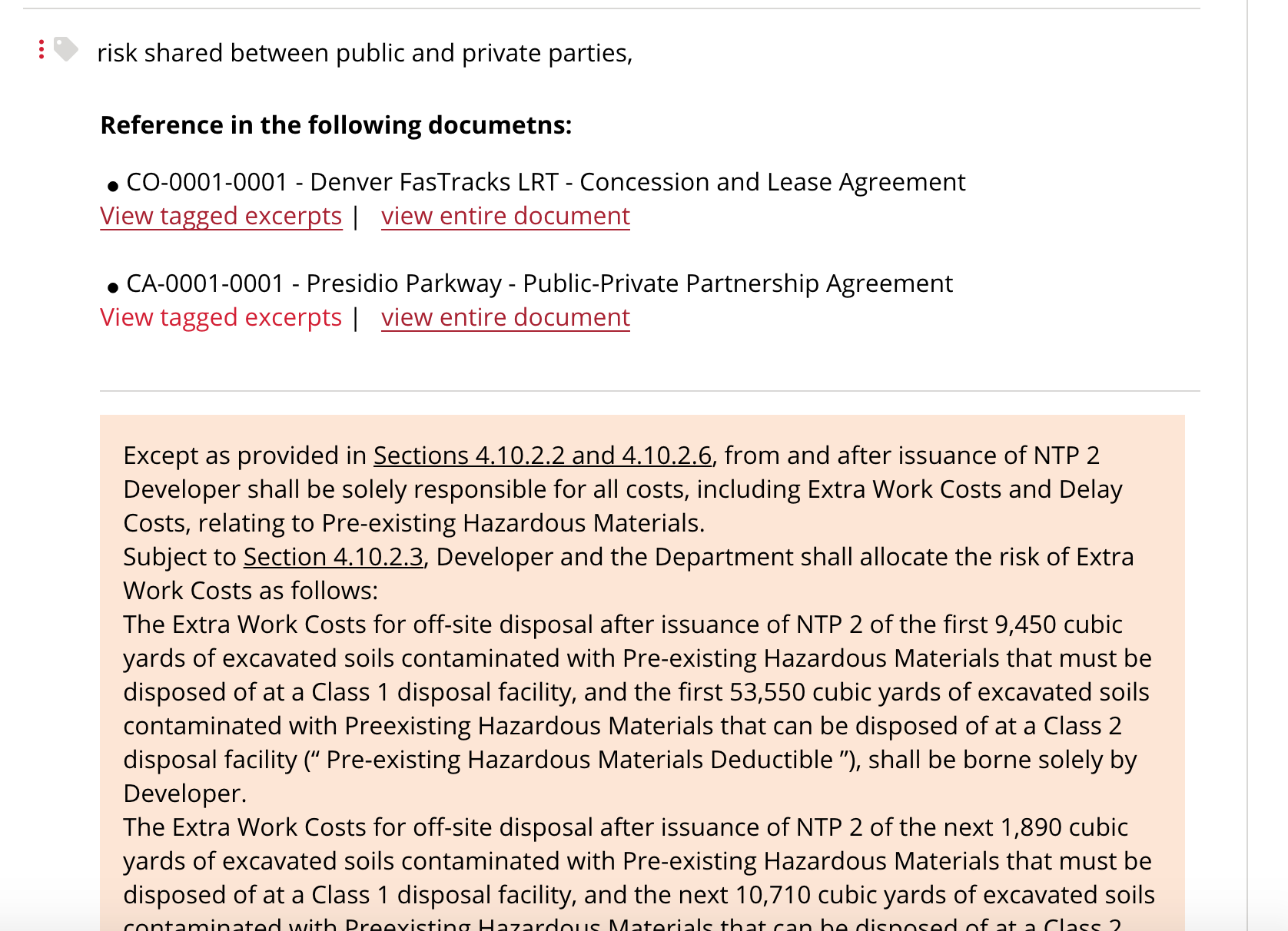
Beside the fact that excerpts cannot easily be discerned from one another (which can be addressed on its own), I'm wondering if it's relevant to have all these excerpts displayed outside of the context of the entire document.
We could leave it as is and add breathing room in there, but there might be other options:
1. When clicking on 'View tagged excerpts' the user would be taken to the document, but the tag would be passed to the document's 'Browse Tagged Excerpts' feature, allowing the user to go through all instances of that tag inside the document.
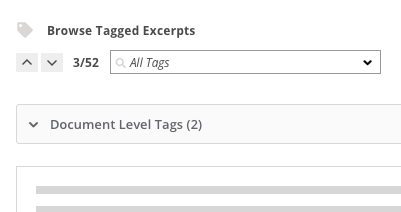
1 (b). The same could be done within a dialogue box overlaying the Tag Directory, to remain within that section of the admin.
2. Excerpts could be output as they are now, but hovering over them would make more information available, such as other tags applied to the excerpt and comments. This would be a simplified version of what is featured in the document tagging process for already tagged excerpts.

In this case, the Delete (trash icon) option and ensuing editing options wouldn't be available. Applied tags and comments would be shown in a dialogue box as static info.
Thoughts?
Thanks,
Guillaume
Morgan
In the current Tag Directory (the directory itself, outside of document tagging), you can drill down to the tag you want, click on it to view the documents it is referenced in, and then go even further by clicking on 'view tagged excerpts' and have all the excerpts output on the screen, as such:
Beside the fact that excerpts cannot easily be discerned from one another (which can be addressed on its own), I'm wondering if it's relevant to have all these excerpts displayed outside of the context of the entire document.
We could leave it as is and add breathing room in there, but there might be other options:
1. When clicking on 'View tagged excerpts' the user would be taken to the document, but the tag would be passed to the document's 'Browse Tagged Excerpts' feature, allowing the user to go through all instances of that tag inside the document.
1 (b). The same could be done within a dialogue box overlaying the Tag Directory, to remain within that section of the admin.
2. Excerpts could be output as they are now, but hovering over them would make more information available, such as other tags applied to the excerpt and comments. This would be a simplified version of what is featured in the document tagging process for already tagged excerpts.
In this case, the Delete (trash icon) option and ensuing editing options wouldn't be available. Applied tags and comments would be shown in a dialogue box as static info.
Thoughts?
Thanks,
Guillaume
I think we should probably mimic what we're already doing on the front-end of the application. Therefore, the admin user can see the tagged excerpts without any of the other text when they select "view tagged excerpts": http://www.infrastructurelawguide.com/Home/ViewTagExcerpts?tagDocumentId=513&tagId=437&oper=tag&keySearch=&keyCount=0
and they can view the entire document and browse through the applicable excerpts when the select "view entire document": http://www.infrastructurelawguide.com/Home/ViewTagExcerpts?tagDocumentId=513&tagId=437&oper=tag&keySearch=&keyCount=0
At the same time, the hover over options you've described sound like a good idea as well.
Thanks,
Morgan