





✔ Ability to zoom out to see entire page of PDF
Completed by Irit W.
- Assigned to
-
 Martin L.
- Notes
-
Hi
Using UN/0110/06 as my example.
I'm using my laptop which is much smaller than my external monitor. I can't see the whole PDF page all at once. I can only see half the PDF at a time. For this reason, I cannot create a box around all the text on the PDF page. For this particular PDF, some pages could have all been captured in one box. Is there a way to zoom out on the PDF page so that I can see it all at once?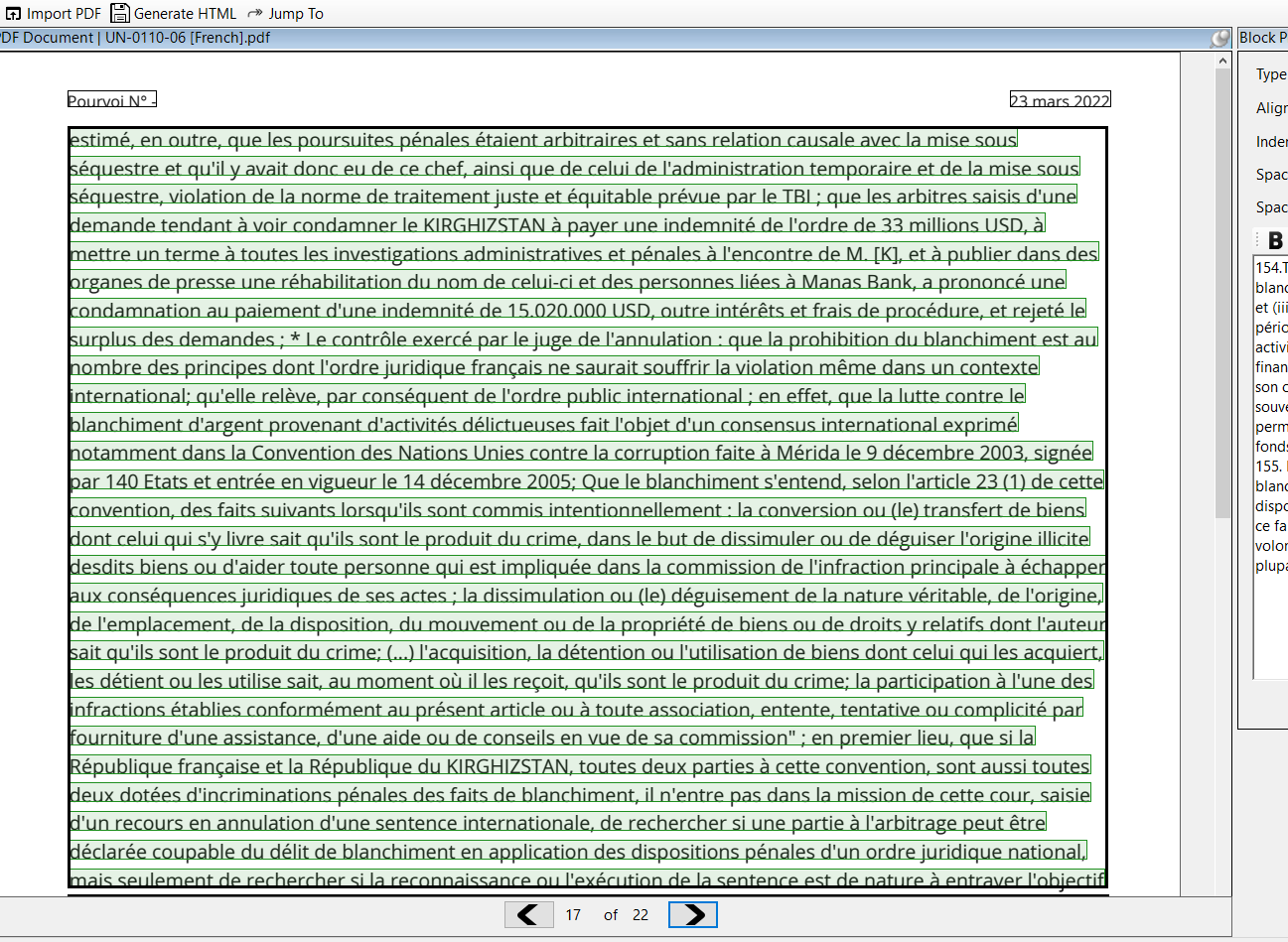
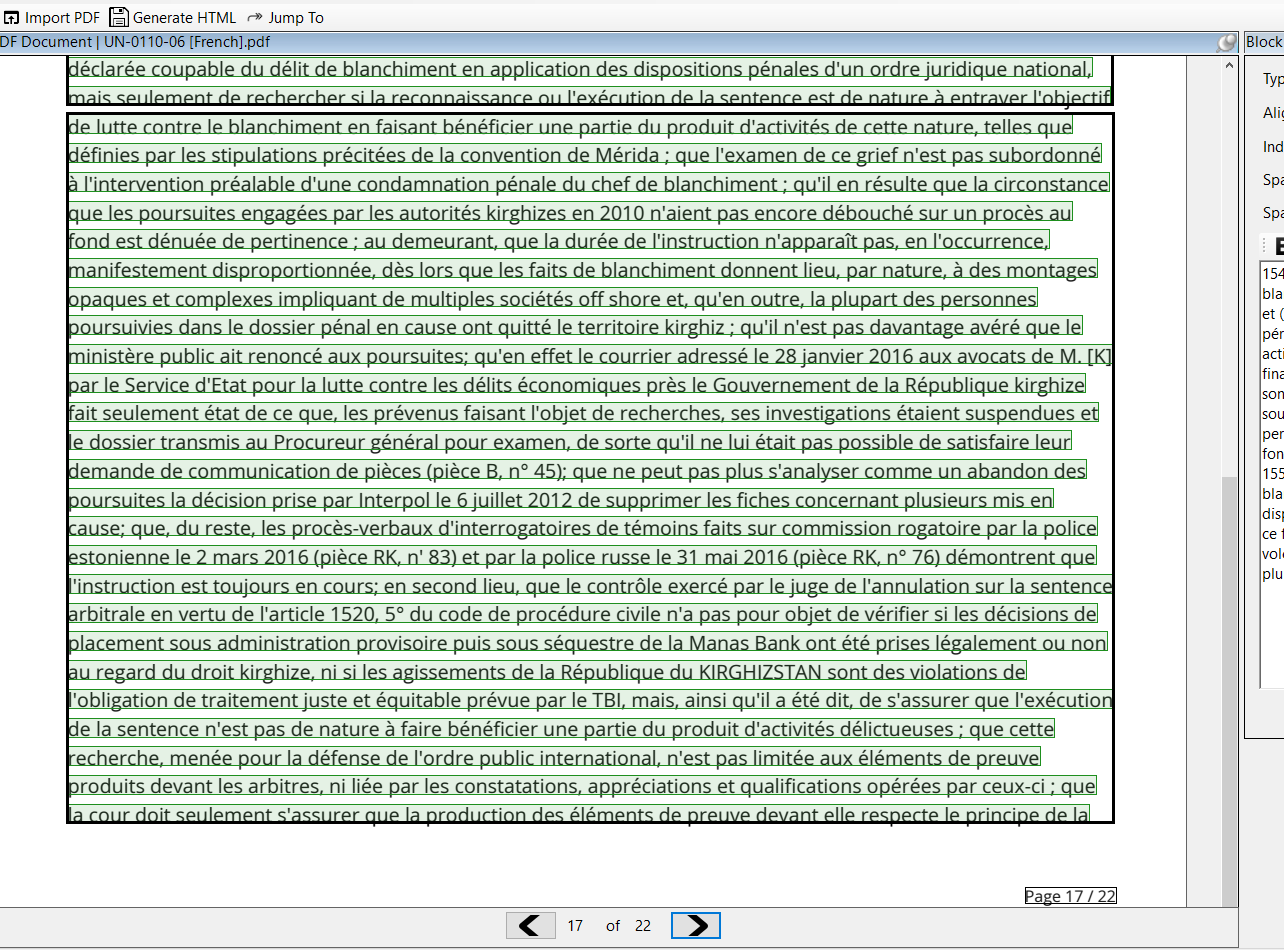
There is no way to zoom in/out at this time, but there is a way to select the entire block if you are using a mouse with a scroll wheel.
If you begin to drag a rectangle, keep holding the left mouse button and start to scroll down using the mouse wheel. You should be able to capture the whole block.
We can do a Zoom session if you want a virtual demo :).
Irit
Thanks, Martin.