














✔ Error when downloading research reports
Completed by Morgan M.
- Assigned to
-
 Anil V.
- Due on
- Notes
-
Further to the video below, an error message is produced on both dev.islg and www.islg when attempting to download Word document versions of the research reports from the Research Topic window. Please resolve ASAP so that we can get this integrated into the next migration window.
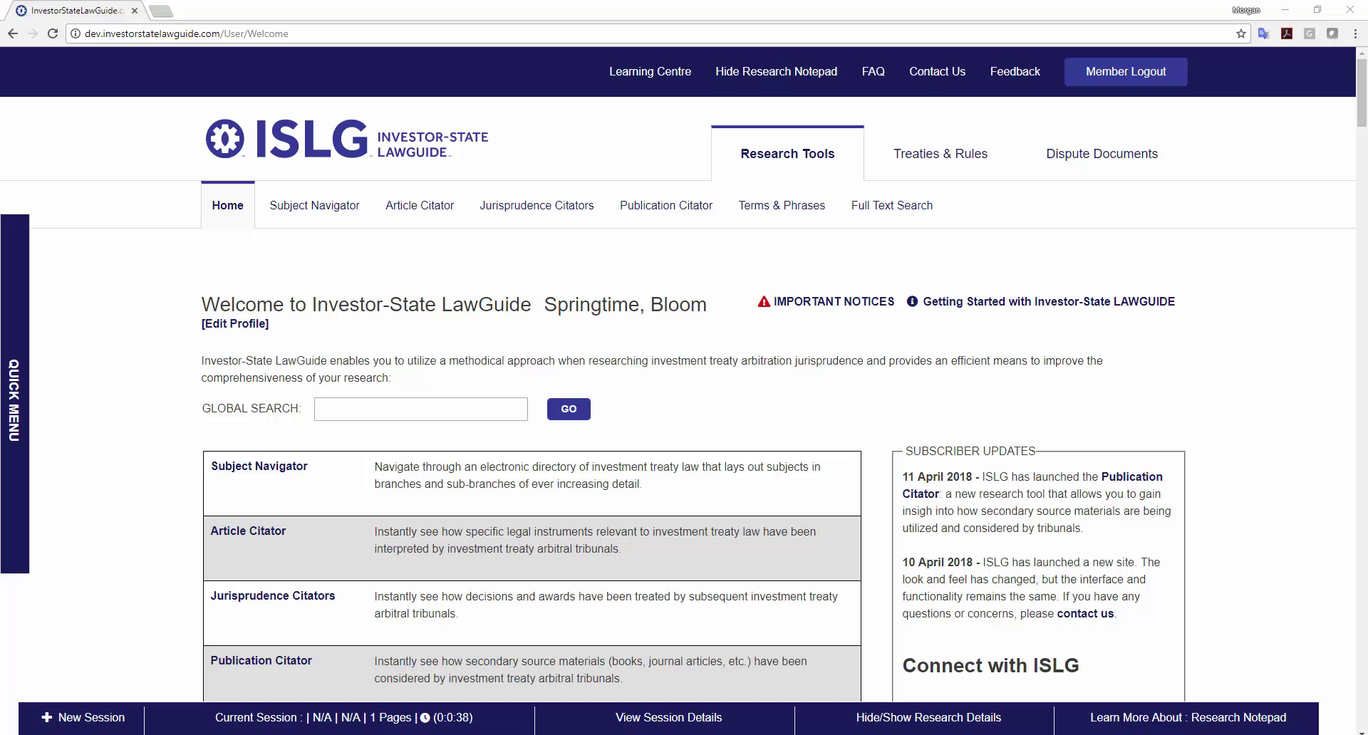
We have resolved the error on dev.islg. Please check and confirm.
It was a minor change. so, if the change is OK on dev.islg then Tomorrow, can we migrate this on live site or wait until next Monday ?
I'll let Morgan decide when to migrate.
Thanks!
Ryan
Morgan
This task has migrated on www.islg. Please check and confirm.
Ryan
We have download the file and getting same issue with "Docs" application but if we open the word document with different app in mobile then it is working fine.
Hence, We are assuming that downloaded word document format is not supported by "Docs" app in mobile.
We are looking into it and will get back to you soon.
Morgan
We did R&D for above issue and found following two solutions.
Please go ahead and request that Carbon60 add Microsoft Word to the server (similar to what we did for Excel for the usage reports). We need the research reports to be in Word, so that users can make edits and annoations to the documents.
Thanks,
Morgan
Just for your information :
Currently, We are trying to generate the word file from Research Topic Details. But, Due to some permission issue, When we try to download the word document the error is throwing on dev.islg.
Morgan
The permission issue on server has resolved. We have uploaded the change on dev.islg and checked word file with Google Docs App and it is working fine.
Please check and confirm.
Further to the video below, I'm experiencing an error with opening up the Research Topic window, which prevents me from testing the issue above.
Thanks,
Morgan
The above error has resolved on dev.islg. Please check and confirm.
The new version of the research reports is working well all devices now; however, I've encountered some new issues. First, according to the sample below, please consolidate the fonts within the reports to Arial size 12 (with the exception of the link front to size 9). Also, please increase the size of the ISLG logo, and ensure it appears in the document without the need to select it. Second, once bookmarks are save to Research Topics, they no longer work and produce an error.
Thanks,
Morgan
Above all issues have resolved on dev.islg. Please check and confirm.
Further to the video below, there are a number of unresolved issues with the Research Topic and Research Report links.
Thanks,
Morgan
We have resolved the above issues and uploaded on dev.islg. Please check and confirm.
The errors with all the bookmark links and research topics are resolved. However, could we implement some further refinements to the new Research Reports (see screenshot and sample below):
We did above changes and uploaded on dev.islg. Please check and confirm.
Morgan
We have migrated this task on www.islg. Please check and confirm.
Ryan
Morgan