











TOLOGIX - ISLG Maintenance

Project dealing with all ongoing maintenance of the current ISLG application (www.investorstatelawguide.com and dev.investorstatelawguide.com).

Problem with Applicable Treaty dropdown menu in Dispute Documents

Assigned to
Harsh Parikh, Tech Lead at DevIT Harsh P. Jitesh Dhuravala, DevIT Jitesh D. Ryan Knuth, Customer Support Manager at Industrial Ryan K.
Notes
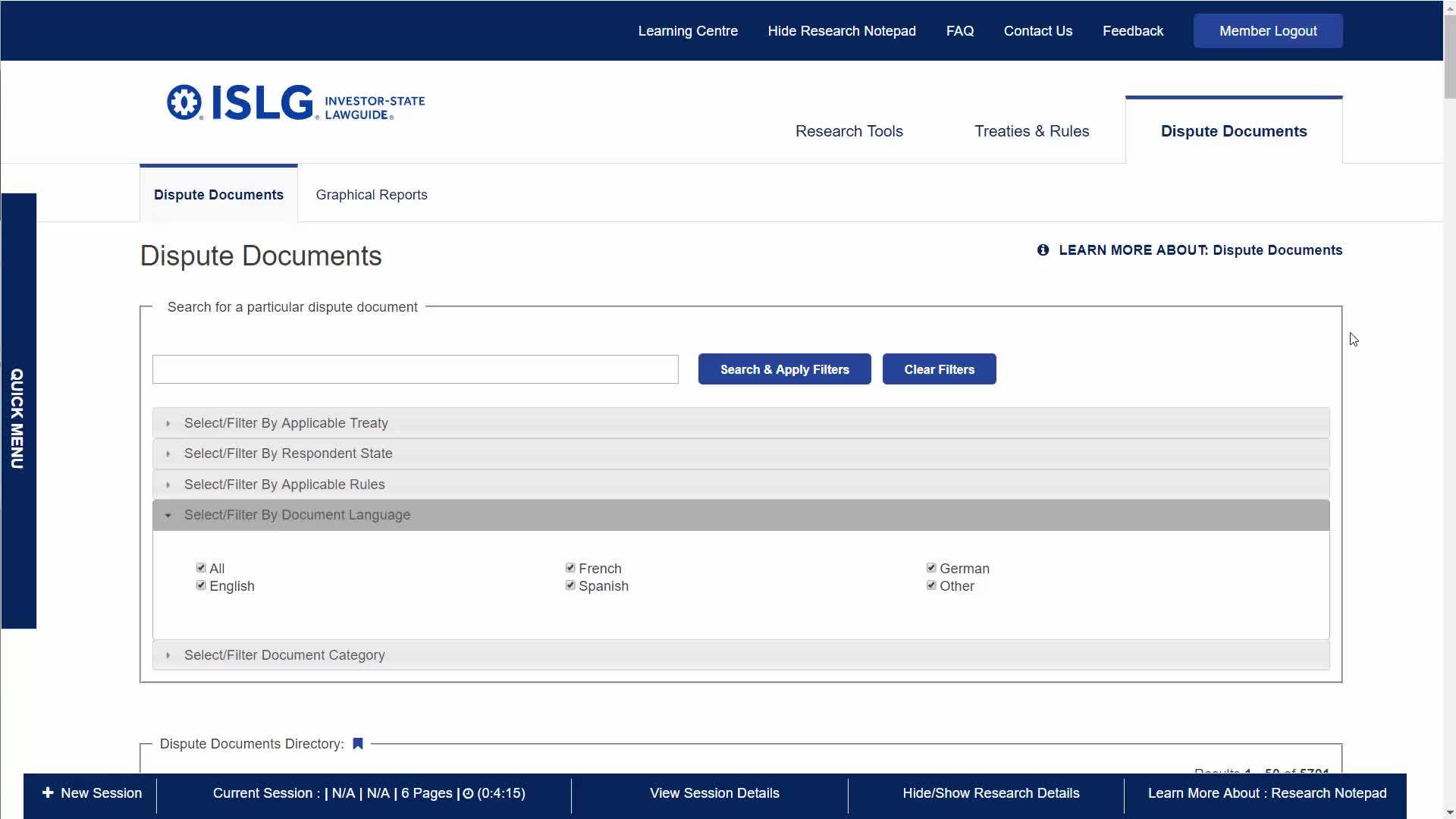
Further to the video below, there is are items not appearing in alphabetical order in the applicable treaty dropdown filter in the dispute Documents tab: https://www.investorstatelawguide.com/disputedirectory/disputedocument?toc=disputedirectory&id=10 
Comments & Events

Morgan Maguire, CEO
Never mind the to-do above. It looks like this problem was created by the a space inserted in the title for the XML document.

Irit Weinfeld Irit and Paul Moon Paul , please take note.

Morgan
Morgan Maguire, CEO
Morgan Maguire completed this to-do.
Irit Weinfeld
Thanks for catching this, Morgan. Just to clarify, were there too many spaces in the title? Or a space needed? I zoomed in on the video you made, but couldn't spot it.
Morgan Maguire, CEO
There was space before the "F" in the title, which caused it to appear out of order. This was present across the system. For example, when you entered XML Agreements, the France-Hungary BIT appeared at the top. This should have been an indication that something was up. You may want to check the UIN Master List as well, because the issue may have originated there.

Something to be aware of going forward: spaces matter. So take care when you're copy/pasting text into fields.

Thanks,

Morgan
Irit Weinfeld
Ahh, good to know.  I was trying to zoom in to spot it.  Thank you, again.  Definitely something for me to keep an eye out for.

Irit