✔ Words placed out-of-order when added to Block Properties and HTML (UN/0152/06)(UN/0152/07)
Completed by Irit W.
- Assigned to
-
 Martin L.
- Notes





 Martin L.


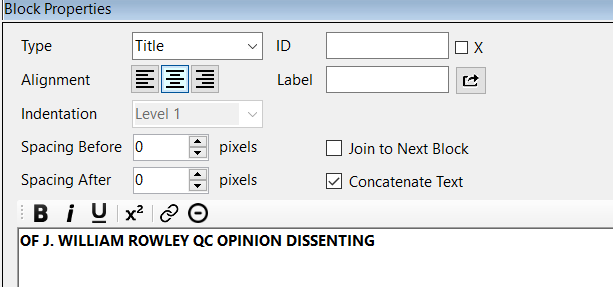
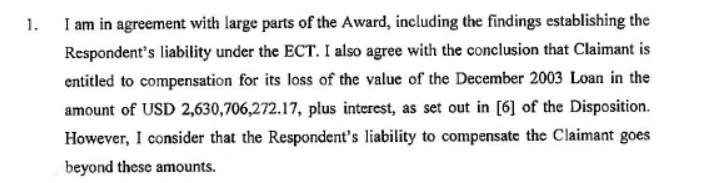
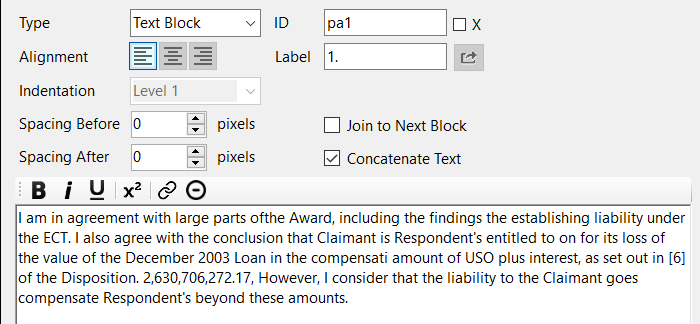
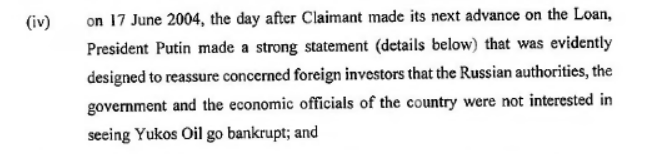
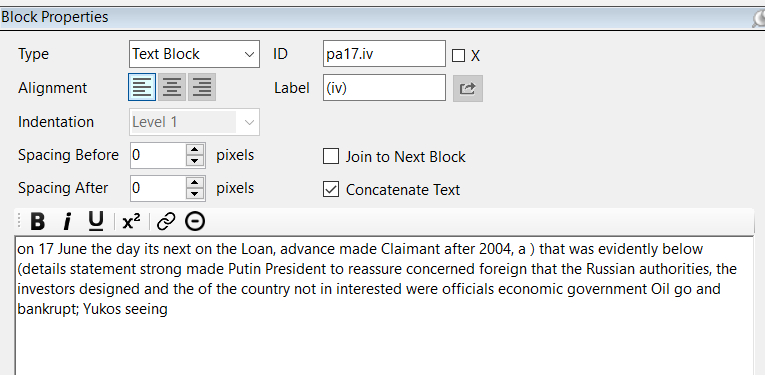
UN/0152/07 is currently a work-in-progress. If you want to see if the same scrambling of words is happening for you as well, you can try starting at paragraph 32.
If you would like, you can delete paragraph 32 that I entered. I saved all files here, including up-to-date json files:
Desktop Converter files - Tologix - Desktop Converter
Thanks,
Irit
There seems to be a bug with the component we use to extract text from the PDF.
I will contact their Support and report back.
Can I share the PDF file with them?
-Martin
UN/152/07 (WIP) - Tologix - Desktop Converter
This leads me to believe that the issue is with the component we use.
I'll open a ticket with them and report back shortly.
There is a new "OCR Mode" option in the main menu, under Document:
It will always default to Basic (which is the option we've been using). But when dealing with more "difficult" documents (such as ones that have obviously been scanned), you can switch to Advanced.
This will trigger an automatic reload of the PDF (your project will be saved and reloaded).
Note that the Advanced option is much slower to load the PDF, as it does a deep OCR analysis of the PDF document. A document that takes 10 seconds to load with Basic might take several minutes to load. You can tell the progress by the status bar at the bottom. It will say "Document Ready" once it has completed its analysis.
But the end result from my testing is that the accuracy (and order) of the text is much better.
Thanks,
-Martin
Irit
This works! I'm marking this to-do as complete.
Thanks,
Irit