












✔ Problem with Meta Fields and Value List design
Completed by Morgan M.
- Assigned to
-
 Anil V.
 Hiren P.
 Melissa C.
 Stefanie G.
- Notes
-
Further to the video below, I believe we need to revisit the design of how meta fields are presented to admin users at the project vs. document level, and also reconsider how values in the value list are used and assigned to different value types. The current setup will lead to redundancies and duplicate entries, and we need to come up with a solution before we proceed with further document uploads.
Please review and provide your suggested solutions to the problem. Note I know there is still some outstanding discussion on these issues on TargetProcess. Apologies if this is interfering with that process.
Thanks,
Morgan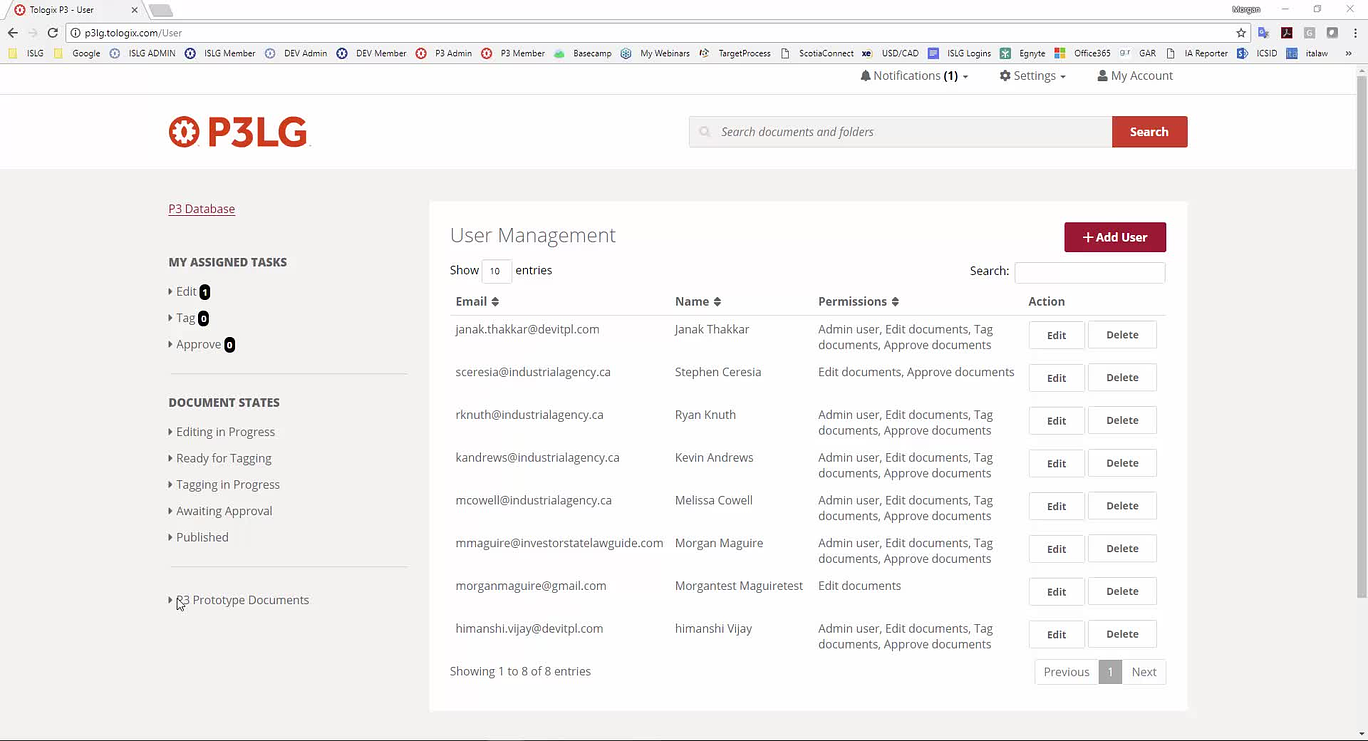
That makes sense to me.
Here's a summary of the changes that need to happen for value types:
For a front-end user, they still only see values that have been assigned to value types when filtering content (?). So for Jurisdiction and I expand the Jurisdiction drop down, I still only see those values that have been assigned to Jurisdiction in the Value Types list. This means that the Value Types list really only exists for the benefit of front end users.
For some reason this got separated into two to-do's: Problem with Meta Fields and Value List design - TOLOGIX - P3 Prototype for Tologix, and you've both commented on different ones... We'll consolidate everything here. Let's proceed with
3. As
4. Same for documents, change this to "Value Type", and simply make this an option that connect the document meta field to the Value List. Any meta field created in the Document Meta Field list will automatically apply to all documents.
5. Re
Re font-end user view, correct, when the user selects a particular filter, they will only be presented with the values that have been assigned to that meta field type.
Thanks,
Morgan
Morgan
We reviewed the revised story but we still have some doubts e.g. where to put "Add Value Type" button. Can you also provide us some screenshots e.g. in which all screens/pages the changes are required?
I edited the story and added screens - let me know if this is clearer:
https://industrialagency.tpondemand.com/RestUI/Board.aspx#page=board/4857933491727658105&appConfig=eyJhY2lkIjoiOTk1NDg2NkUwM0I1RTJGMzQ5NjgyOTdFRjk2NkRGN0YifQ==&boardPopup=userstory/4232/silent
This seems OK to us, let
The requirements state that the admin user has "the capability to add new value types" from the Manage Document/Project Meta Fields pages. Is this necessary? The value types are determined by what values are created when the admin user adds data to a meta field.
For example, an admin user is entering meta data for a project, and adds "Bel Pacific" in the "Owner of Private Partner(s)" meta field. This would automatically assigned "Bel Pacific" with the "Owner of Private Partner(s)" value type. If the admin user then adds "Bel Pacific" in the "Contractor(s)/Subcontractor(s)" meta field, this would automatically add "Contractor(s)/Subcontractor(s)" as an additional value type to "Bel Pacific". Conversely, if the admin user, goes back and removes "Bel Pacific" from the "Contractor(s)/Subcontractor(s)" meta field, this would update and remove "Contractor(s)/Subcontracotr(s)" as a value type for "Bel Pacific" (assuming there are not other projects that have "Bel Pacific" added as a "Contractor(s)/Subcontracotr(s)").
This way value types are are added/changed as they edits are made to the data entered into the meta fields. This eliminates the need for making changes to value types through the value list. It also prevents admin users from mismatching value types with what has been added to the meta fields (i.e., ensures the value types are always tied to the meta field types).
Also, I think we should change to the default Value Type to "Yes" when a meta field is created. I don't foresee circumstances where we wouldn't want data entered into a meta field not be associated with the value list.
Thanks,
Morgan
To your first point, this portion of the user story is talking about creating a new value type so the Add Meta Field > check off the radio button to make it a Value Type. Value Types are jurisdiction, projects, public partners etc., and right now there is no way to manually create value new types - this was originally why we started to create this feature. Were you thinking this meant something else or did you want to remove the capability to create new value types?
No, I don't want to remove the capability of creating new value types. I just thought we might be confusing what the value types are for (categorizing values based on the meta fields they are associated with).
Thanks,
Morgan
There may be meta fields that we don't want to appear as a filter on the front-end of the site, which would require a radio button to select that option. At the same time, as I stated above, I don't foresee a reason for creating a meta field that is not tied to the value list. Therefore, may we should change this option from "Value List" to "Filter", which would determine whether the meta-field appears as a front-end filter. Whereas the value list automatically applies to any meta field. Make sense?
Morgan
Morgan
As per our understanding,
For 1 - this would still be added to the value type list but it would not appear on the front-end. I think a new meta-field could be a dropdown or a text box.
To that end, I think we need to add a little more to this because we now need a way to edit if it appears as search filter and we also now need to specify if a new meta-field should appear on all documents or projects. I assume that if you add a new meta-field that isn't a search filter, you wouldn't want this to appear on all documents and projects respectively.
We need to separate this flow such a way that either new meta-field can be added as Textbox or Dropdown. E.g. if "Make this a new search filter" = "No" then it will be a "Textbox" and if Make this a new search filter = "Yes" then it will rendered as "Dropdownbox" otherwise it will be very difficult to manage at development side. Please suggest.
To put simply, I want eliminate the textbox fields entirely from any meta field created through the Manage Document or Project Meta Fields pages. "Make this a search filter" = "No" will only prevent the meta field from being presented as a filter option on the front-end, but the meta field data will always be tied to the value list. Please do what is necessary to make this happen, but I'm confused why this is difficult to manage given that we're already doing this when "Value List" = "Yes". Just make that the default for every meta field, and then create a new option for the front-end filter.
Thanks,
Morgan
If we need to eliminate textbox entirely then there is no issue. We will do necessary changes so that,
If "Make this a search filter" = "No" then it will be a dropdown but will not be displayed as a filter at front-end.
If "Make this a search filter" = "Yes" then it will be a dropdown but will be displayed as a filter at front-end.
We reviewed the updated user story "#4232 Create Values and Add to Value List" and have a query for the attached screenshot. We think that there is no need of "Make this a new search filter" field in this screen as this screen is for "values" for "value types". Please let us know your thoughts.
We have implemented meta field changes for "Manage Project". This is still in beta. Can you please take a look in "Manage Project" and give your feedback.
Please note that this change will apply to new "Type Names"/"Type Values" only. For old entries we need to map Type and Values manually. We are still working on meta fields for "Edit Document".
I have discovered a number of issues outlined below and in the video. However,
Morgan
a) an admin has selected a 'value' in the 'value type's' dropdown
b) when a value is manually added to a value type from the manage values list
I'm also not seeing the document meta filters on the front-end.
I've added the text change and more clarification to the user story although I think Morgan's video/comments sufficiently outline the change needed.
We are still working on this and will get back to you soon.
We are progressing with this change meantime we have a query as follows:
We think that "Select Type" dropdown is not required in "Edit Value List" as "Type" will be assigned/removed to a "Type Name" using Edit Project or Edit Document screen. Hence, we can remove the dropdown from this screen and show only assigned "Types" in readonly format. However user can edit "Type Name" using this screen. Please let us know your thoughts.
Thanks,
Morgan
We have uploaded a beta version for this task on p3lg. Please check and let us know your feedback.
The updates look pretty good, but I have the following items to need further consideration:
Morgan
I realized that my comment above concerning "Problems with saving document in Edit Document state" is the result that I was attempting to save changes on a published document. I'm assuming that implementing
Thanks,
Morgan
We will look into above things and get back to you soon.
I forgot to mention one thing above that if we add any "Type Name" with "Front-end filter" = "Yes", but there is no "Type value" assign to it then it will not be shown at front side as a filter. Hope this is fine.
Problems with saving values with special characters is resolved on p3lg. Please check and let us know the feedback.
We will look into the other issue (Problem with saving document..) when we will come through the new stories. Hope this is fine.
I do think that the new document flow should resolve these issues. Anil, let me know if you have any questions about those stories.
Let's keep the settings as is for the front-end filters (i.e., the meta-field doesn't appear until meta data is entered into the field through a project or document). This will ensure we're not causing unused meta fields from appearing on the front-end. We can adjust this at a later stage if necessary.
Understood concerning the saving issue. We'll hold off on addressing this for the time being.
Also, the punctuation/special character issue appears resolved, so I'll mark this to-do complete.
Morgan
We will review the new stories for document flow and let you know if anything.