













✔ Automated emails for changes in user/group account status
Completed by Morgan M.
- Assigned to
-
 Harsh P.
- Notes
-
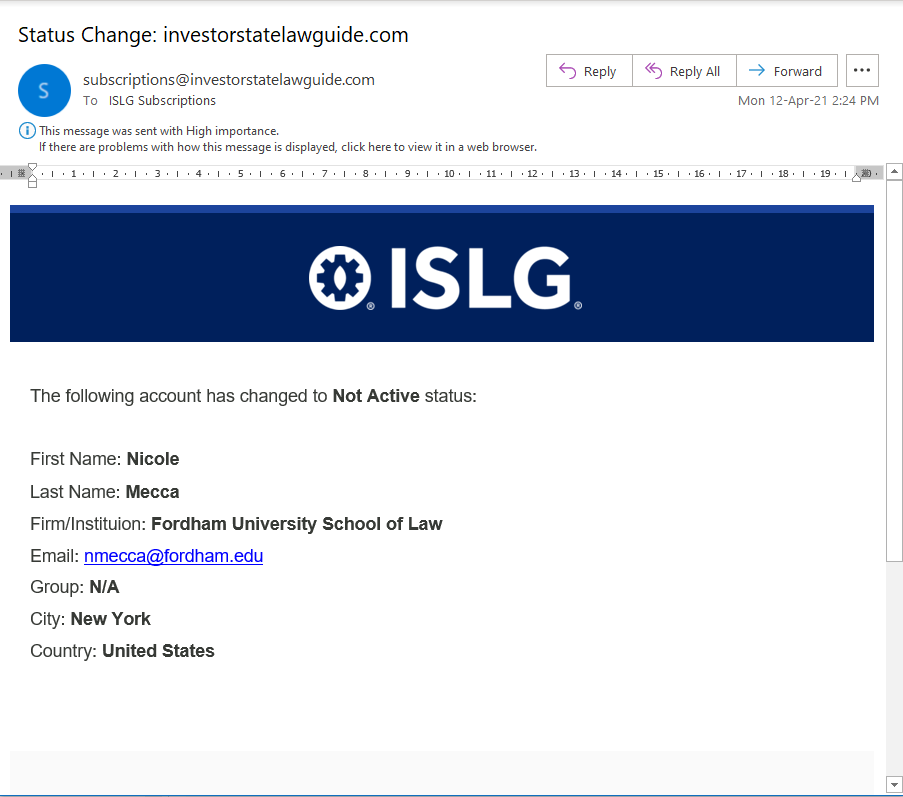
Further to the video below, in the legacy application, automated emails were getting sent from subscriptions@investorstatelawguide.com to subscriptions@investorstatelawguide.com anytime the status on a user account was changed:
In the new application, these automated emails are getting sent from accounts@investorstatelawguide.com to accounts@investorstatelawguide.com, but only in limited circumstances when an account is first generated or activated: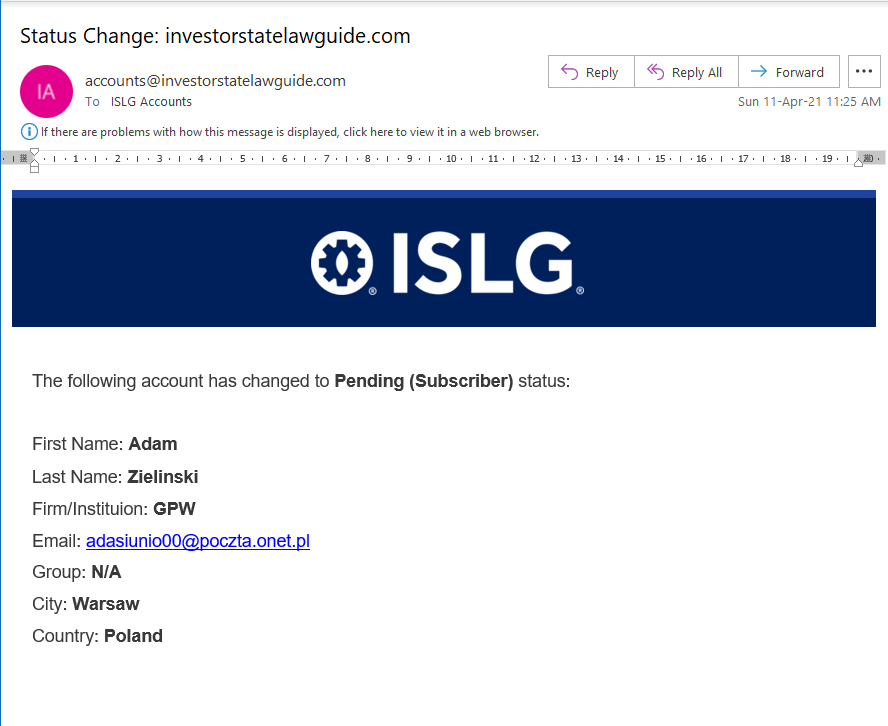
Please modify this so that emails are sent anytime the status on a user account or group changes. Therefore, automated emails should be sent in any of the following circumstances:- Group
- A group has changed to Non Active status
- A group has changed to Active status
- User account
- A user account has changed to Awaiting Approval status.
- A user account has changed to Active (Subscriber) status.
- A user account has changed to Active (Trial) status.
- A user account has changed to Pending (Subscriber) status.
- A user account has changed to Pending (Trial) status.
- A user account has changed to Non Active status.
For group status change emails, please include the following information in the automated email:
The following group has change to [Status] status:- Group Name:
- Description:
- Type of Account:
- Group Manager: [Email address for assigned group manager]
- Expiry Date:
For user account status change emails, please modify the information in the automated email to include:
The following user account has change to [Status] status:- Given Name(s):
- Surname(s):
- Group: [Group Name]
- Location(s) - City:
- Country:
- Expiry Date:
- Group Manager: [Yes/No - if they were enabled as group manager]
- Group Administrator: [Yes/No - if they were enabled as group administrator]
Thanks,
Morgan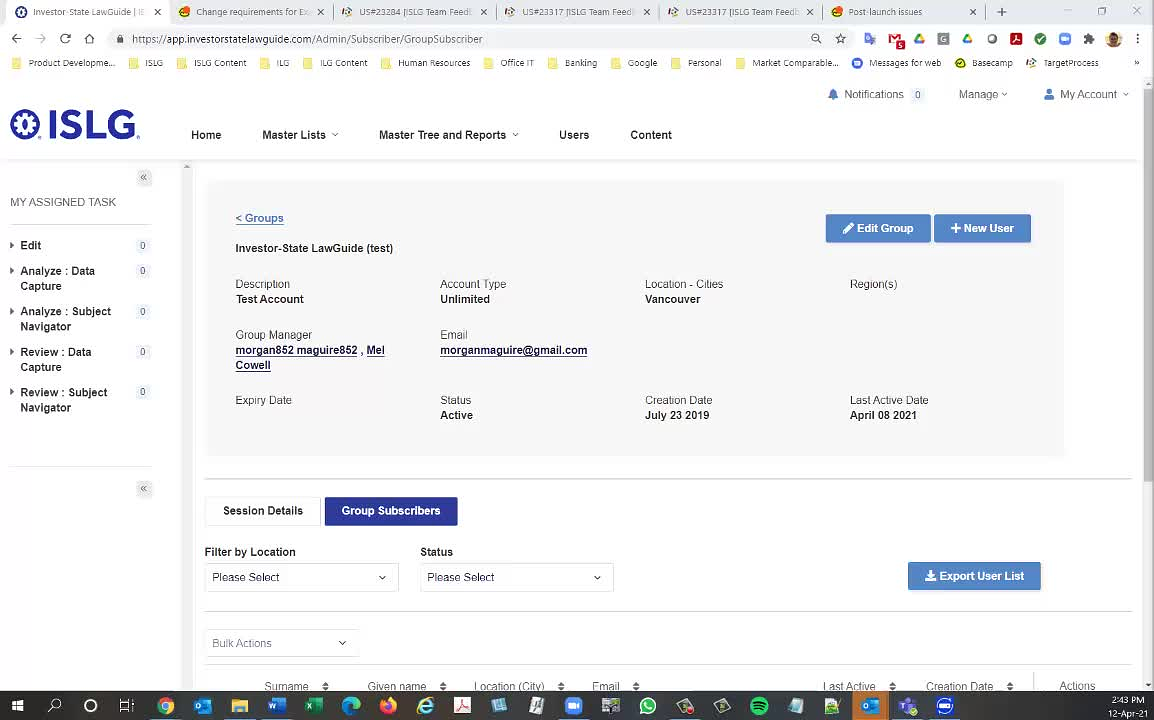
- Group
Further to the to-do above, note that I'm inserting this into the to-do priority list as a rank of 7. I have elevated it's priority, because this problem is preventing us from getting notified when account are changing to "Non Active" status. Particularly with the unresolved issues concerning automated password resets, this is causing havoc to our user management system.
Note I've included updated details for the emails, please use the existing templates and make modifications as required.
Thanks,
Morgan
Note that I moved the following from the requirements above:
Thanks,
Morgan
This task has been done on staging.islg. Please check and confirm.
Further to the video below, I'm still not getting email notifications when accounts are created by admin users through the user managements system or when the status on the account is changed from Pending (Subscriber) to Non-Active.
Please ensure the requirements above create an automated notification (from: accounts@investorstatelawguide.com | to: accounts@investorstatelawguide.com) anytime a new account is created or that status of the account changes.
Thanks,
Morgan
Could you please check again that you will receive status change mail or not by creating new user from admin side.
Please note that you will receive status change mail on this email id :
Further to the video below, I ran a series of tests to confirm whether the issues are resolved and the only outstanding issue is to ensure that the initial confirmation email sent to users confirming the trial account request:
is also sent to accounts@investorstatelawguide.com. Note that this is what was done previously in the legacy application, and is useful, because it allows us to follow-up with the users through the confirmation email chain.
Thanks,
Morgan
As per your above requested we set account@investorstatelawguide.com email id as Cc in Trial up sign up confirmation mail on staging.islg.
Please check and confirm.
Morgan
Further to the video below, it appears we still have an outstanding issue with this to-do. The automated emails are working when the account status for a group is manually changed by the admin user, but it is not produced when the account status changes to "Non Active" as a result of the Expiry Date being reached.
We need to ensure that automated emails are generated any time the group or user account status changes. Note that this should also apply to user accounts who's status changes to "Non Active" when their password expires as outlined the requirements here: Resolve issues with automatic password expiry field - TOLOGIX - ISLG App Rebuild
Thanks,
Morgan
We make this change through automated service that once group or subscriber expiry date is reached and status become NonActive. We are working on this change.
But, The currently working automated mail which are running on staging will deploy on app.islg with other task.
Hope this is fine.
Thanks,
Morgan
The last item to send mail while expiry date is reached has been done on staging.islg.
Please check and confirm. If it will be OK then will deploy on app.islg by tuesday.
Morgan
My test on staging.islg was a success. Please go ahead and deploy the changes on app.islg.
Thanks,
Morgan