













✔ Bug with ordering within Disputes & Dispute Documents
Completed by Morgan M.
- Assigned to
-
 Harsh P.
- Notes
-
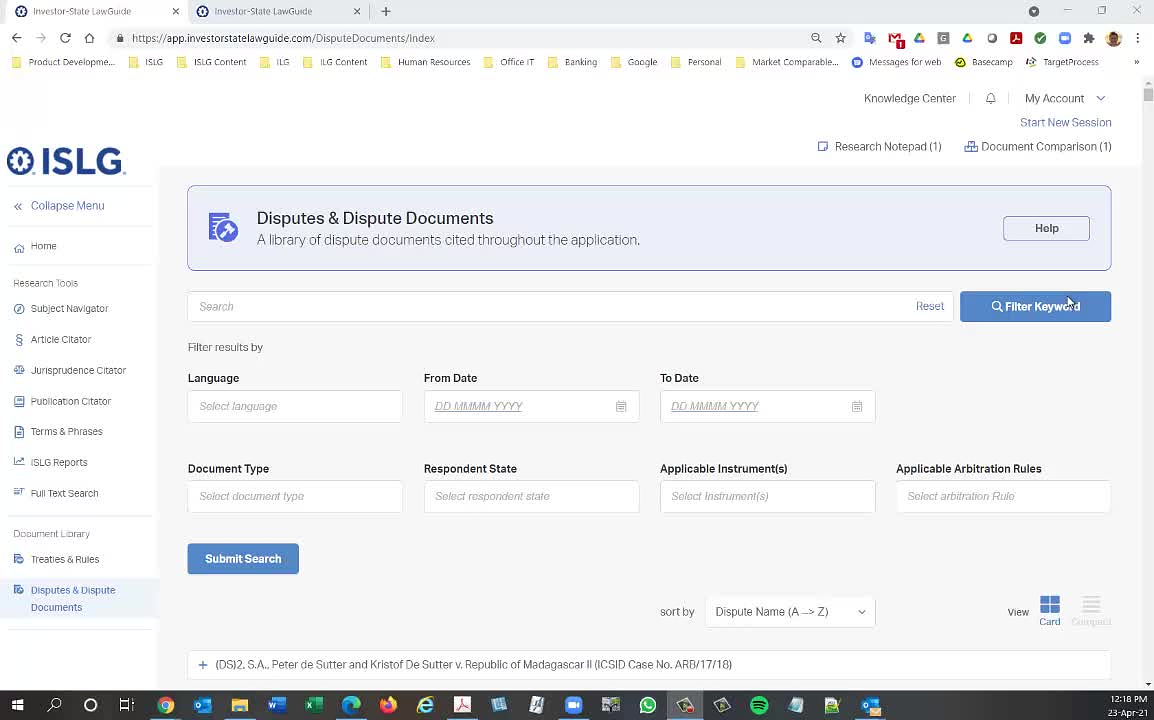
Further to the video below, there is a bug in the way documents are ordered within Disputes & Dispute Documents when the results are viewed after performing the search. The dispute documents within a dispute should be presented in reverse chronological order, but they are not.
Further to the video below, the bug described above appears to be affecting how documents get loaded within the Document View: https://app.investorstatelawguide.com/DocumentView?rt=Wk21nmb-fNY%3D&docid=%20vkB0rbPc4Q%3D:
Because this is affecting the ability of users to access documents on Subscriber, I'm escalating this task to Priority #1. So please resolve this as soon as possible.
Note that when the document is accessed by browsing to the document, it opens properly: https://app.investorstatelawguide.com/DocumentView?rt=Wk21nmb-fNY%3D&docid=yFwM4xnGWDM%3D
Thanks,
Morgan
The issue related to DtSearch indexing was generated last Sunday and after perform search the data is fetching from indexing.
The Scenario for this issue is like admin team published the draft version by last week so within application we are getting new Document Id but for Contegra search data is fetching from DtSearch indexing which was created by last Sunday.
Due to this reason after perform search the Document View is not producing result because it is fetching data from indexing which was created before draft document is published.
We also getting one more issue that if any user copy the document view link and admin user creating draft and published that document then new id will be generated and copy link will not work for user.
so we are working on this change to fetch the data by UIN wise rather the Id.
We assume this change will be completed by end of tomorrow and will deploy on staging.islg.
The Second issue regarding Ordering after perform the search which we will discuss with Radomir once the document view change will be completed by tomorrow.
Hope this is fine.
Makes sense. Let us know if you're unable to get this resolved tomorrow.
I've added
Thanks,
Morgan
The Document View bug is resolved on staging.islg. For testing this task, you do following step
1) Open any Dispute Document's Document View
2) Copy browser URL and saved in notepad
3) Create draft of that Published Document and then publish the draft.
4) Once you published the draft version. you can paste the document view URL on subscriber side.
5) The Document View data will be rendered.
Regarding, Ordering for Dispute Document after perform search, We are looking in to this and will communicate with
Further to the video below, I ran a test on staging.islg where I compared the link to the document view for a recently published document: https://staging.investorstatelawguide.com/DocumentView?rt=Wk21nmb-fNY%3D&docid=Iyzsqtzc5NU%3D
to the link to the document view for the same document when accessed through a Dispute & Dispute Documents search: https://staging.investorstatelawguide.com/DocumentView?rt=Wk21nmb-fNY%3D&docid=e%20G%20ZvyadkQ%3D
Thanks,
Morgan
This issue occurred due to we haven't generated Dtsearch indexing by every week for staging.islg. so the indexing was too old for staging.islg. Today, We have generated Dispute Document module indexing for staging.islg.
You can check now this again on staging.islg.
Thanks,
Morgan
We need to take call for Dispute Document Ordering. Let us know your feasible time to take call on skype.
We are available between 11:00 AM to 6:00 PM IST.
We can talk on Thursday at 12:00 PM IST.
Please send me details about the issue before that. Your request payload, result, etc. so that we can be efficient.
We need a Dispute Document Result in ordering. It mean When we use our second call for Dispute Document. We need Dispute Document Results in following Order.
Default Ordering Option is Following:
DisputeDocumentDate ReverseChronologicalDate (Newest->Oldest)
We are using this SQL View (SelectDisputeContegraSearch) to get Dispute Document Result while we click on any Dispute.
You can use ISLGRebuildStaging database on 10.68.138.11 Server. For More details you can also view the Mogan's First Video in this post. so you can get an idea.
Following is the ordering Criteria.
1) FullCitation Name (A->Z)
2)FullCitation Name (Z->A)
3)DisputeDocumentDate Chronological (Oldest->Newest)
4)DisputeDocumentDate ReverseChronologicalDate (Newest->Oldest)
5) Most Refrence DisputeDocument Count.
We can discuss more on tomorrow's call.
My health is not well today. so we can take call by Friday 12:00 PM IST.
Please let me know if you are OK with this.
I tested locally and, as far as I can tell, sorting of dispute details using fields SortField and SortOrder works.
We have resolved the ordering issue by our side so there is no need of call.
Please migrate to app.islg during the next deployment window.
Thanks,
Morgan