














✔ Download time for dispute documents
Completed by Paul M.
- Assigned to
-
 Martin L.
- Notes
-
Further to the video below, we need to speed up the time it takes to generate the files containing dispute documents when downloaded from the Dispute Document view and Dispute view.
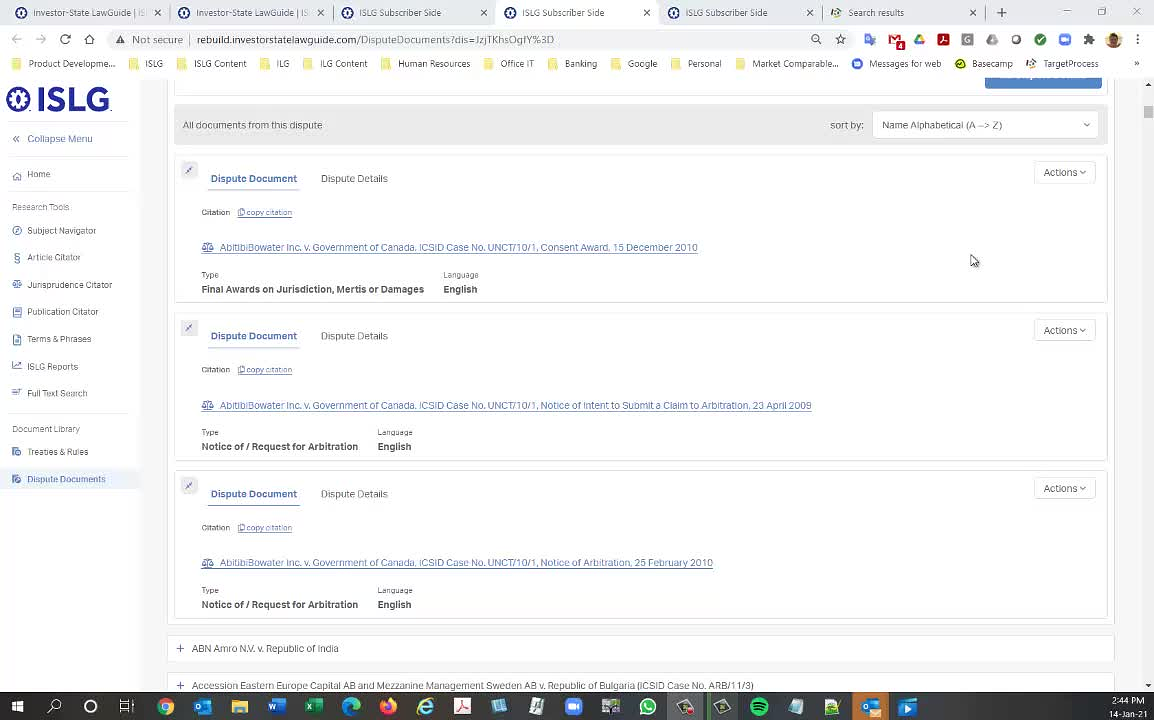
This issue is resolved on rebuild.islg. Please check and confirm.
The loading times are still too long. See the following example: staging.investorstatelawguide.com/DisputeDocuments?dis=aWOT1ZDPMd0=. This is an extreme example, because there are 123 documents in the dispute, but the application was still loading when I abandoned the download after 4 minutes. What is the issue that is slowing this down so much?
Is there something
Thanks,
Morgan
This will surely take time for download. Following things are going downloaded when user click on download button.
1) All 123 Document's Meta Field's PDF file is going to prepare and download
2) All PDF Documents
3) Excel File with 2 tab (1 for Dispute Detail and 2nd for all dispute document detail with link)
Yes, understood, but can we do anything further to ensure this example starts initiating the download within 90 seconds? If not, perhaps we need to modify this so that the download prepares the download in the background, allowing the user to browse to other pages, and then notifies the users when the document is available for download.
Thanks,
Morgan
As decided in status call, when user click on start download then user will be redirect in new tab for downloading and user can browse the application in previous tab.
You can check on staging.islg.
Thanks,
Morgan
the current fix is sufficient for launch. I'm moving this to-do to a different category to resolve the downloading time issue post-launch.
Morgan