













✔ HTML not appearing on app.islg (Dispute Document IC/0250/14)
Completed by Irit W.
- Assigned to
-
 Harsh P.
- Notes
-
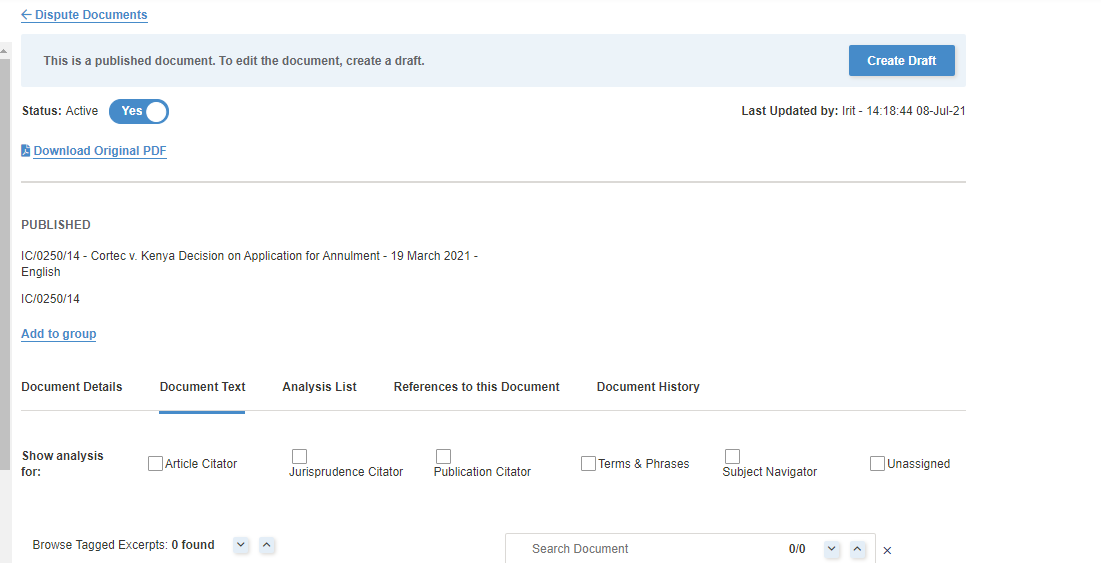
The HTML for Dispute Document IC/0250/14 is uploaded and published. I'm not able to view the HTML on app.islg admin site. When I go to Document Text, I see this:
I created a draft version of the Dispute Document. I'm able to view the HTML when I select "Edit" from the task drop-down menu.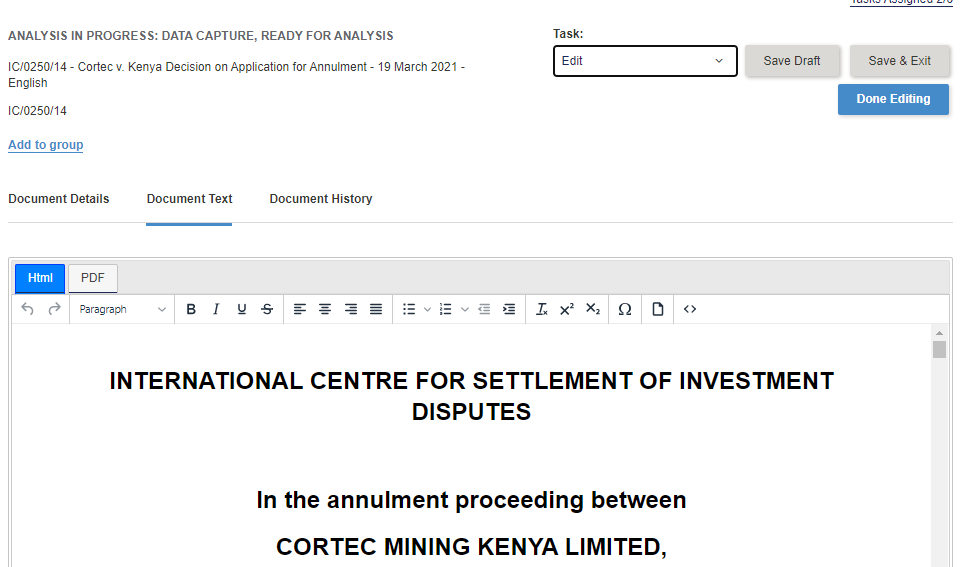
However, if I select "Analyze Data Capture" or "Analyze Subject Navigator" from the Task drop-down menu, I am not able to view the HTML. Instead, I see this: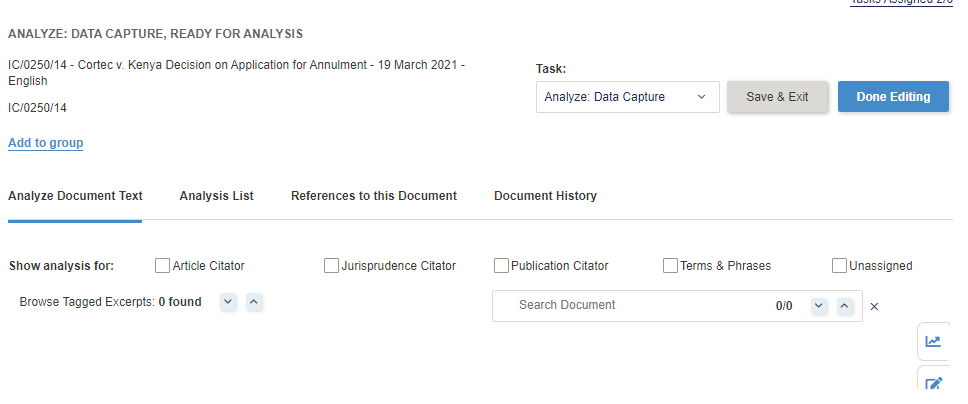
Please see video: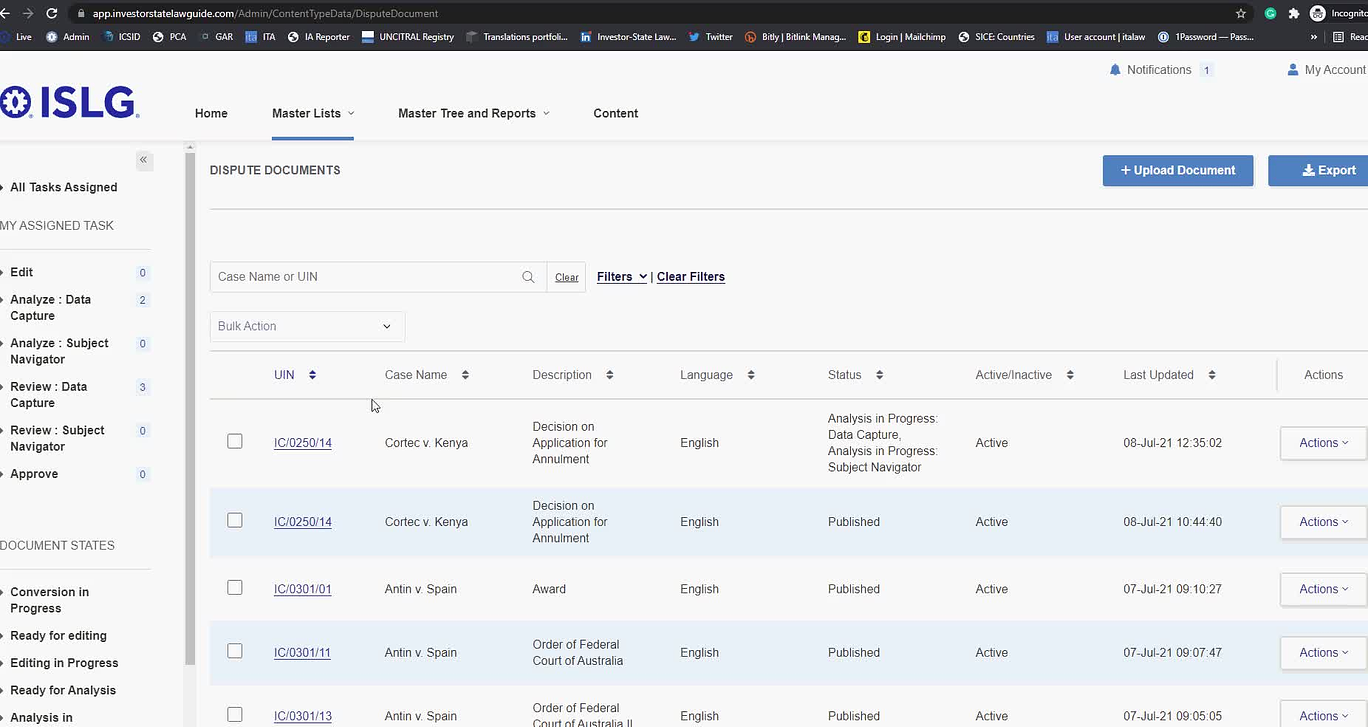
In the video you see that when we want to go back to Dispute Documents, the following error message appears:
"Error has occurred while html loading in Analyzing"
Please address as an Unplanned/Critical task.
Thanks,
Morgan
This issue is resolved on the staging.islg. For app.islg, we need to deploy whole publish version to resolve this bug.
so once will deploy the sprint 2 tasks by early next week then this task will be done.
Hope this is fine.
Looks as though DCD entries will have to wait for until next week for IC/0250/14.
Thanks,
Irit
That's fine. DCD entries for this document can wait until next week.
Thanks,
Nafiseh
I'm following up to see if Dispute Document IC/0250/14 HTML issue will be resolved on app.islg for us early this week?
Thanks,
Irit
Today, We have uploaded new version on app.islg. This issue is resolved on app.islg.
Please check and confirm.
Thank you, Harsh.
Irit