











✔ No way to discard drafts in Reports
Completed by Morgan M.
- Assigned to
-
 Harsh P.
 Ketan S.
 Melissa C.
 Naomi J.
- Notes
-
Further to the video below, there is no way to discard a draft version of report. A "Discard Draft" button needs to be inserted into draft page that deletes the draft is eliminated the notices that there is a draft version associated with the published version. In addition, there should be some kind of indication in the Reports tree that indicates which version of the reports are the published and draft version.
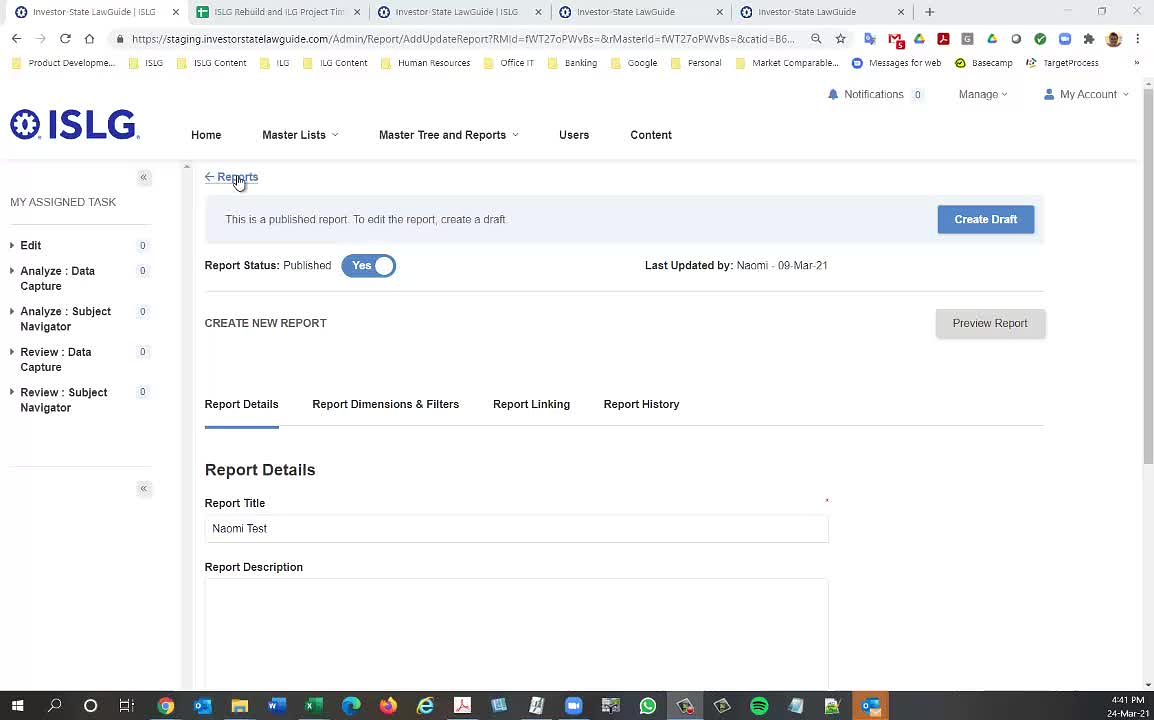
To include discard functionality in report for this short period is difficult. But for time being will provide you indication after report name in tree. so you can identified and it is published version or draft version.
If the report is not published or draft mean will not display any indication that time.
- Report A - Published
- Report A - Draft
- Report B (This report isn't published so will not indicate anything.)
Following-up on our discussion this morning, the proposed changes (along with resolving the bug with deleting draft reports) look good.
Also, I noticed that a couple more bugs in Reports summarized in the videos below. Note that I was performing these changes on app.islg, so I'm not sure if these issues will get resolved with the latest version from staging.com:
Thanks,
Morgan
The above issue is already resolved in our local environment and we will deploy by tomorrow on staging.islg.
Also, are we still making a deployment to app.islg this weekend with the latest version of staging.islg?
Thanks,
Morgan
Probably, Next Monday I will upload version on app.islg.
Let's ensure it happens on Monday so
Thanks,
Morgan
This change has been done on staging.islg. Please check and confirm.
Morgan