













✔ Open Full Case & Analysis in separate browser tab
Completed by Morgan M.
- Assigned to
-
 Harsh P.
- Notes
-
Further to the video below, we have received feedback from a number of users that it's disruptive for users when they select "Full Case & Analysis" and they are directed away from their place within the research tool within the existing browsers tab:
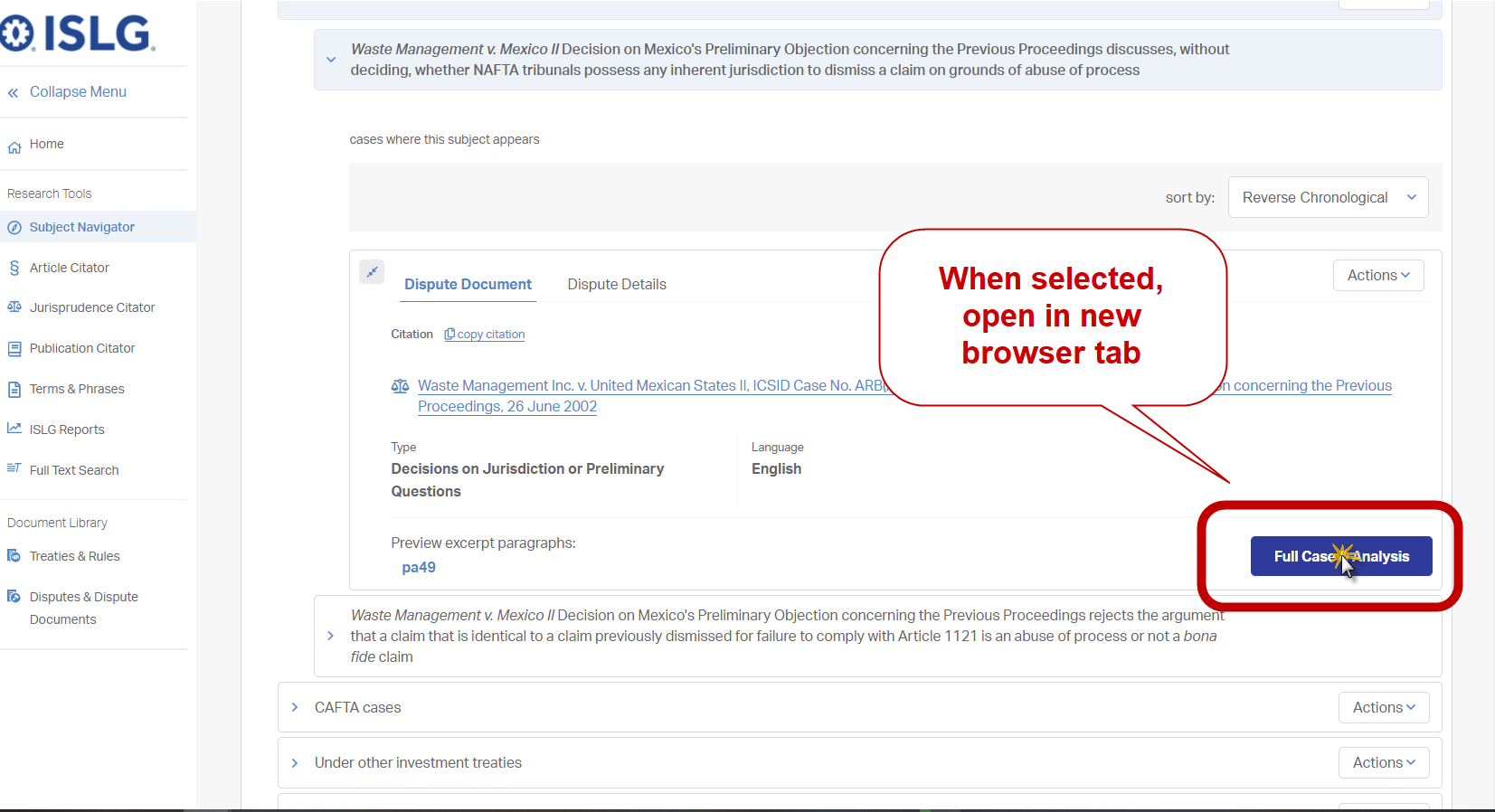
Could we please modify all the modules where the Full Case & Analysis links exist so that they always open the page in a separate browser tab. This would apply to the following modules:- Subject Navigator: https://app.investorstatelawguide.com/SubjectNavigator/Index
- Article Citator: https://app.investorstatelawguide.com/ArticleCitator/Index
- Jurisprudence Citator: https://app.investorstatelawguide.com/JurisprudenceCitator/Index
- Publication Citator: https://app.investorstatelawguide.com/PublicationCitator/Index
- Terms & Phrases: https://app.investorstatelawguide.com/TermandPhrase/Index
Note no changes to the Full Text Search are necessary, because these are already opening the page in a separate browser tab.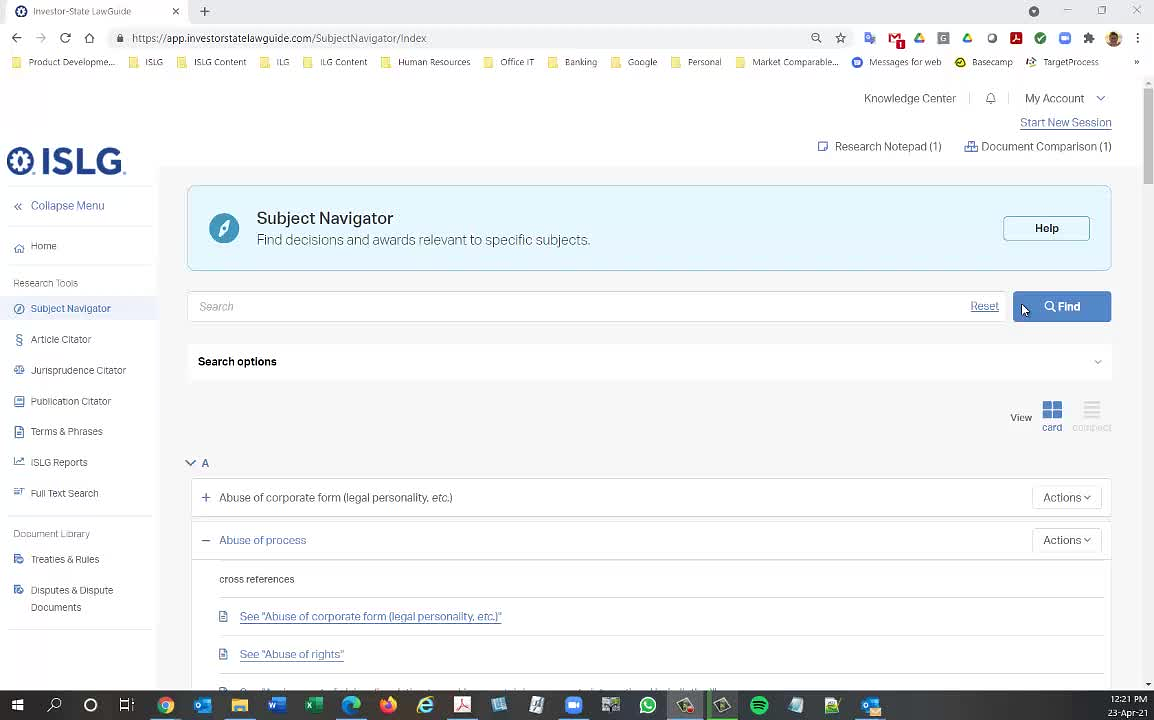
If user click on Full Citation text then will open Document View in new tab ? same as for Treaty & Rule, if user click or any Treaty & Rule title then it will open Document View in new tab ?
I think it would make more sense to always open the Document View and Dispute View in a separate tab, particular given that the breadcrumbs are inconsistent and don't always lead you back to same place on the previous page.
Thanks,
Morgan
Morgan
No that should be fine for the documents/disputes to open in a new tab from the research tools.
Thanks,
Naomi
Note that this means it wouldn't apply when selecting full citations within the Treaties & Rules or Disputes & Dispute Documents libraries.
Thanks,
Morgan
I assume you posted above message in wrong thread.
As per your above comment, It means if user click on Full Citation, All Dispute, or Full Case & Analysis button from Treaty & Rule & Dispute Document Library then it opens Document or Dispute view in same tab.
Yes, that's correct.
Thanks,
Morgan
This task is done on staging.islg. Please check and confirm.
The changes on staging.islg look good, and the changes can be deployed to app.islg when appropriate.
Thanks,
Morgan
Thanks,
Morgan