













✔ PDFs for Dispute Documents missing on Rebuild Admin Site
Completed by Morgan M.
- Assigned to
-
 Harsh P.
- Notes
-
Hi
 Morgan
1) AF/0016/01, the PDF to HTML conversion is complete. Only the HTML appears on the rebuild admin site.
Dispute Document AF/0016/01 Cargill v. Mexico Award [Redacted]
Rebuild admin site link:
http://rebuild.investorstatelawguide.com/Admin/ContentTypeData/DisputeDocumentDetails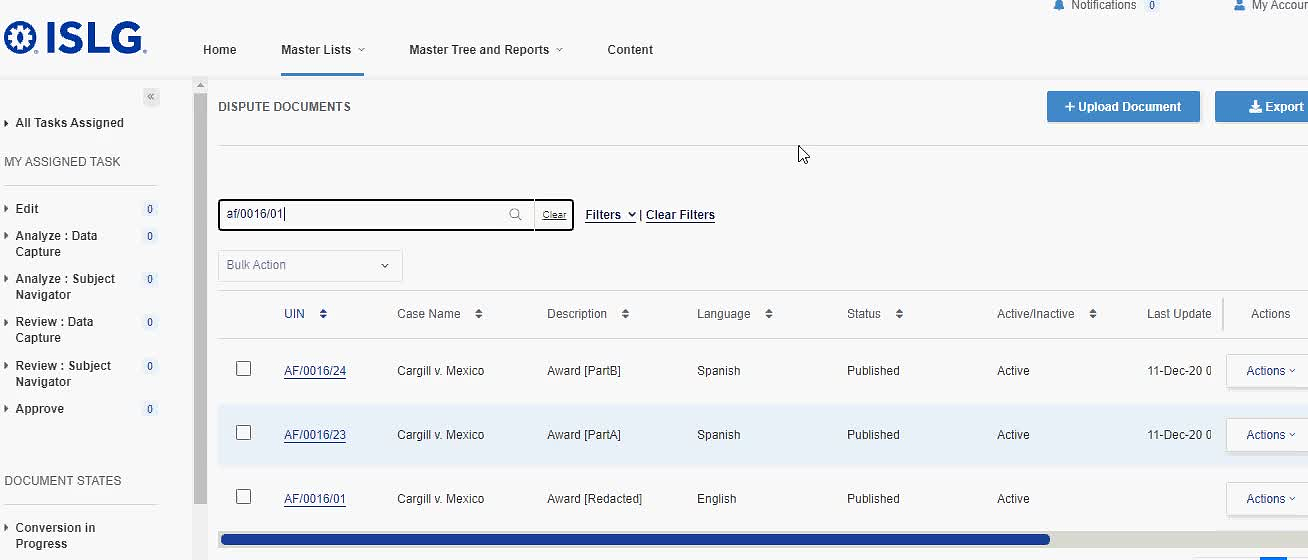
***
2) AF/0016/02, the PDF to HTML conversion is not yet complete. Neither the HTML nor the PDF appear on the rebuild admin site.
Dispute Document AF/0016/02 Cargill v. Mexico Judgment of the Ontario Superior Court of Justice on Application to Set Aside Award
Rebuild admin site link:
http://rebuild.investorstatelawguide.com/Admin/ContentTypeData/DisputeDocumentDetails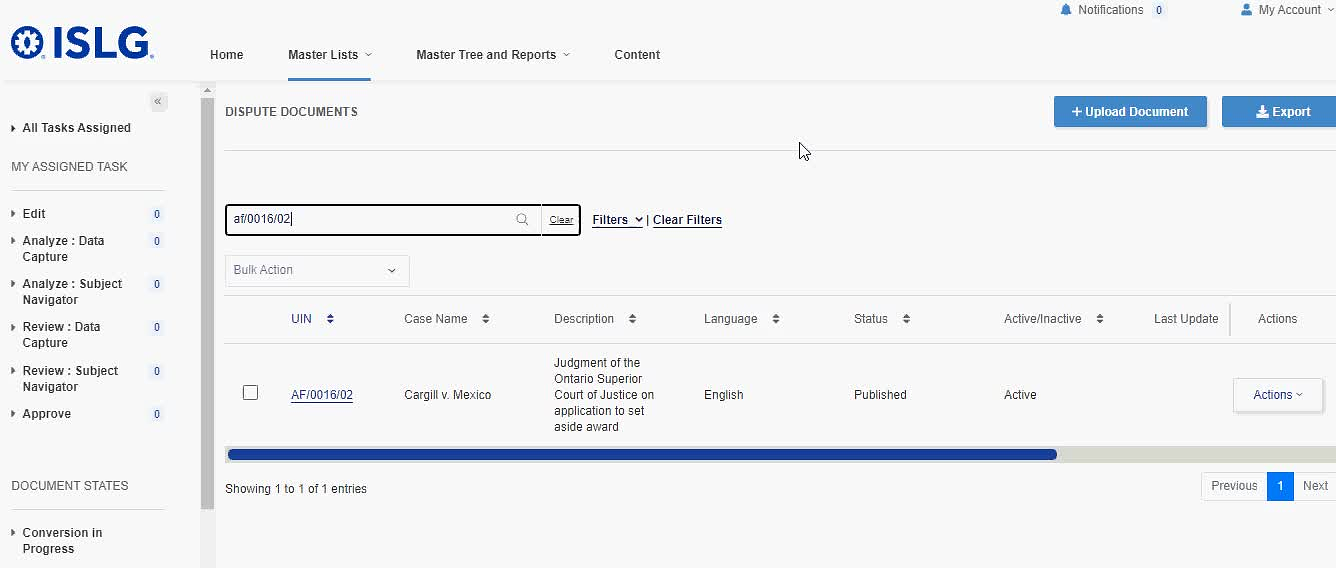
Thank you,
Irit
Was this issue limited to these documents (i.e., did you see the appropriate HTML and PDF appear with other dispute documents) or was this an issue across the system?
Thanks,
Morgan
Can you please examine and resolve the issue above. I noted that both documents are available on the Subscriber site, but as
AF/0016/01:
AF/0016/02:
The AF/0016/01 UIN have both html & pdf. But we are dispalying only html after the document is published. It will take some time to load html because 500 tags are loading on that html. so there is no functionality to See PDF file after document Published.
The AF/0016/02 UIN only PDF file we don't have html ready for that document. Hence, You are not able to see html for this UIN and after publish the document we are not showing PDF file on admin side.
Further the discussion above, it appears that the PDF versions of dispute documents are not available on the admin site after a document is published. Does that meet the design requirements? It seems odd that we would make the PDF document inaccessible after the document is published?
Hi
A separate to-do has been posted reporting the loading issues with the HTMLs and tags in the admin site: Analysis tags show up on the HTML on rebuild admin about 30 minutes after - PRIORITY - TOLOGIX - ISLG App Rebuild. We need to figure out a way to load the HTML and tags more quickly, because it will be very common for users to review all the tags across a document.
Thanks,
Morgan
That is not according to the design requirements and seems like something was somehow lost along the way. The PDF view of the published converted documents should still be visible.
I will add that published PDF only documents still show the PDF view on the admin side of rebuilddemo. I'm not sure if this is the same scenario as described for AF/0016/02, but in testing this I am still able to access that PDF view.
Naomi
Thanks,
Morgan
The above mentioned docuemnt is not PDF only docuemnt there is also html available.
As per requirement in admin side, once the document is published which we have both PDF & Html file then there is no way to see the PDF file after published that document. Only Html file is displaying under Document Text tab.
Note it's a significant drawback to not have access to the PDF document through the admin site after a document is published.
Thanks,
Morgan
As we discussed this morning, to resolve this issue, could you please insert a PDF link within all Treaties, Arbitration Rules and Dispute Documents entries, which would open the applicable PDF document in a separate browser tab:
Note that this link should be present in All document states if a PDF document is available. No link would appear if there is no PDF document (e.g., placeholder entries).
Thanks,
Morgan
This task is completed and we have provided link to View Original PDF in main header of each document in admin side.
This is done in both rebuild.islg and staging.islg
Morgan