












✔ User Account reset functions
Completed by Morgan M.
- Assigned to
-
 Harsh P.
 Melissa C.
 Naomi J.
- Notes
-
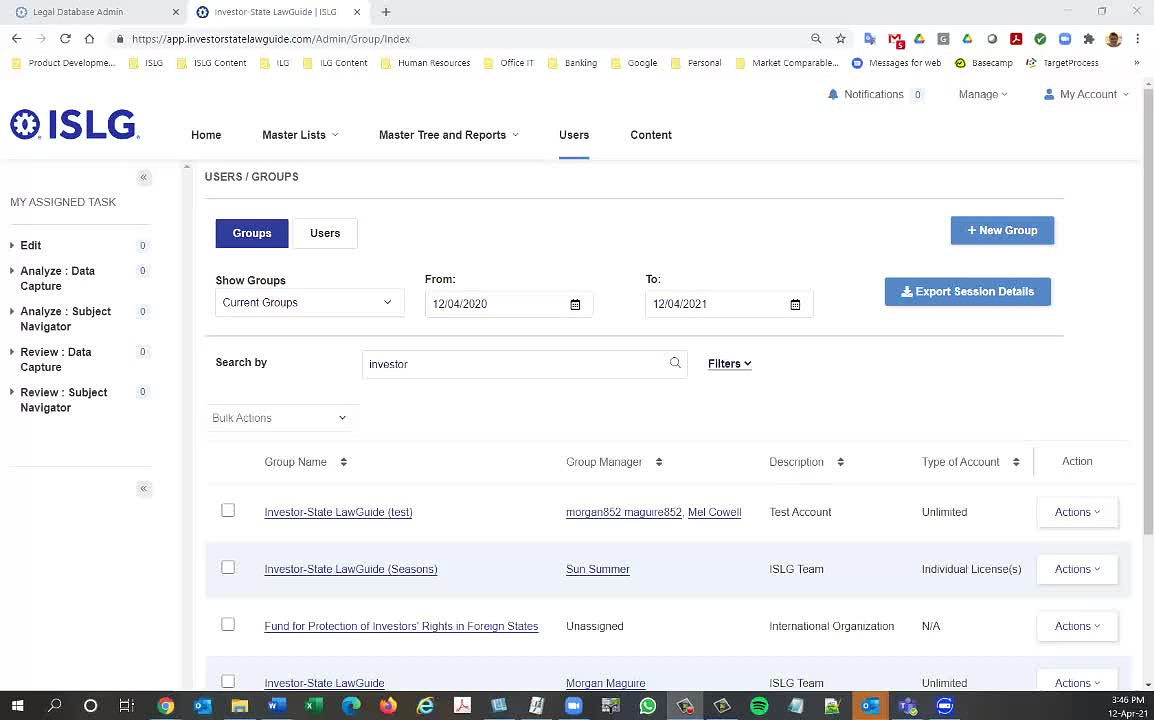
Further to the video below, because of limitations in the current requirements of the new application within the user management system, we need to make some changes that will allow us to do the following:
-
Reset Account: insert button next to Edit User
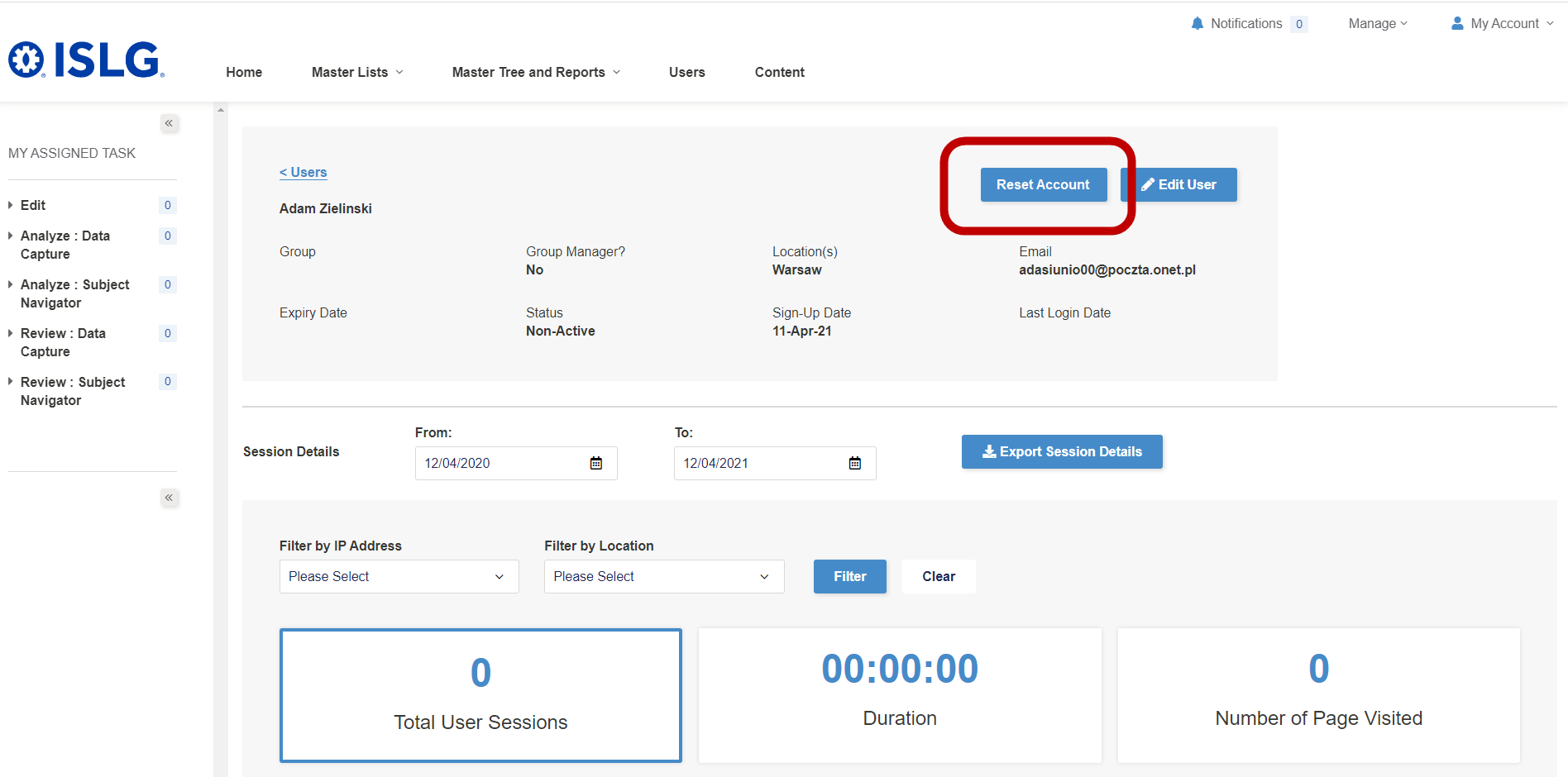
- selecting the button would:
- Create a modal requesting that they confirm:
- Are you sure you wish to reset the login credentials on this account and send the user an activation email to create new credentials?
- Confirm
- Cancel
- Are you sure you wish to reset the login credentials on this account and send the user an activation email to create new credentials?
- If the user selects "Confirm", erase the current login credentials for the user,
- change the status of the account to Pending (Subscriber) or Pending (Trial) (depending on whether the account's status was previously Active (Subscriber) or Active (Trial), and
- send an new activation email to the user to create login credentials for the account
- Create a modal requesting that they confirm:
- selecting the button would:
-
Password Reset: insert button next to Automatic Password Reset when the field is enabled:
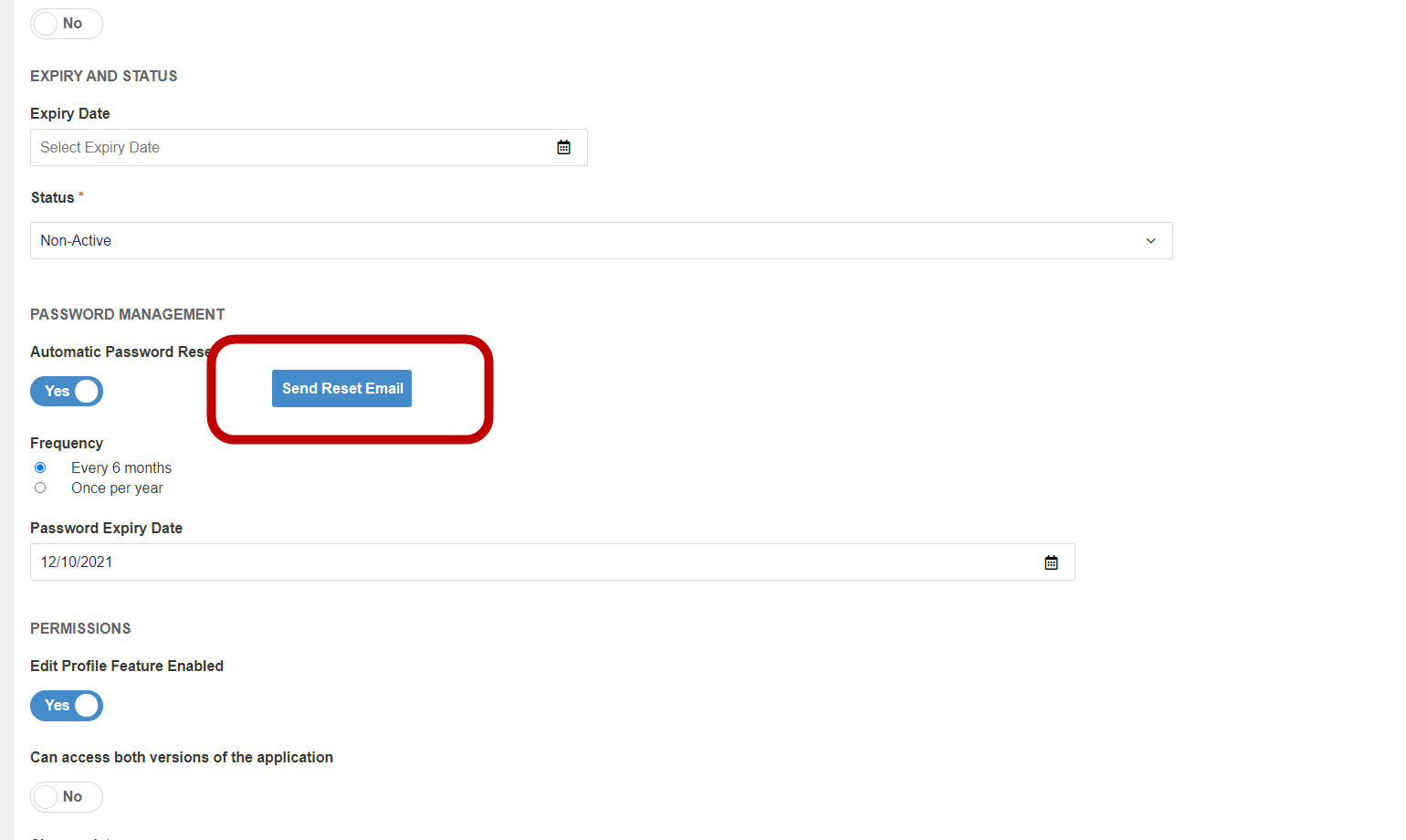
- selecting the button would:
- Create a modal requesting that they confirm:
- Are you sure you wish to change this account to Non Active status and send the user an email to reset their password?
- Confirm
- Cancel
- Are you sure you wish to change this account to Non Active status and send the user an email to reset their password?
- If the user selects "Confirm",
- change the status of the account to Non Active (assuming the account isn't already in Non Active status), and
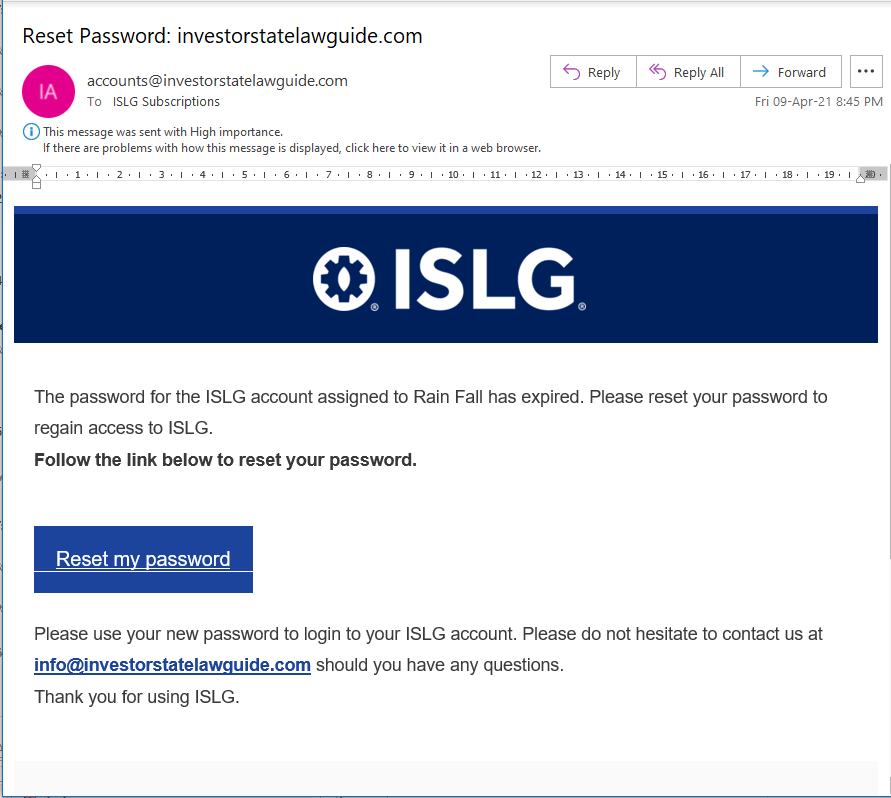
- Send the user the automated password reset email:
- Create a modal requesting that they confirm:
- selecting the button would:
-
Reset Account: insert button next to Edit User
Thanks,
Morgan
Do you need Reset Account button in all status ? Suppose, if any user is Awaiting Approval Status and admin user click in Reset Account button then how we would know which status we update Pending Subscriber or Pending Trial ?
Please provide status list when you want Reset Account button.
That's a good point, we don't need this if the account is in Awaiting Approval status, nor would we need it for Pending status, because we already have the Resend Invite button.
Morgan
We have following question in 2nd functionality in your above comment.
Password Reset: We have set Reset Password button when automatic reset password toggle button is enable.
When admin user click on button then status will become Non-Active and send mail to user to update password.
If user will update the password then can we set user status again in Active Mode ?
Please provide feedback.
We'll want to mimic the requirements outlined here: Re: Resolve issues with automatic password expiry field - TOLOGIX - ISLG App Rebuild where if the user updates the password through the link provided in the email, then it would change the status of the account back to Active and also update the automatic password reset expiry date (6 months or 1 year) according to the settings in the applicable fields. Note that these requirements should be probably be implemented in conjunction with the changes requested here to keep things consistent: Re: Resolve issues with automatic password expiry field - TOLOGIX - ISLG App Rebuild.
Thanks,
Morgan
This task is done on staging.islg
Please check and confirm.
The following change will cover in this task. (Resolve issues with automatic password expiry field - TOLOGIX - ISLG App Rebuild. )
where if the user updates the password through the link provided in the email, then it would change the status of the account back to Active and also update the automatic password reset expiry date (6 months or 1 year) according to the settings in the applicable fields. Note that these requirements should be probably be implemented in conjunction with the changes requested here to keep things consistent
The changes above are working well. However, similar to the issues we had here with expired accounts: Re: Automated emails for changes in user/group account status - TOLOGIX - ISLG App Rebuild, the automated emails are note getting generating indicating the status of the account has changed because of the actions above. Could you please ensure automated emails service integrates these changes in status.
Thanks,
Morgan
Automated mail issue is resolved for this task on staging.islg. Please check and confirm.
Things are working well with the account reset button, but the Reset Password button is not available when the automatic password reset button is enabled:
Thanks,
Morgan
After toggle to switch on, you need to first update or save the data and then edit again to see that button.